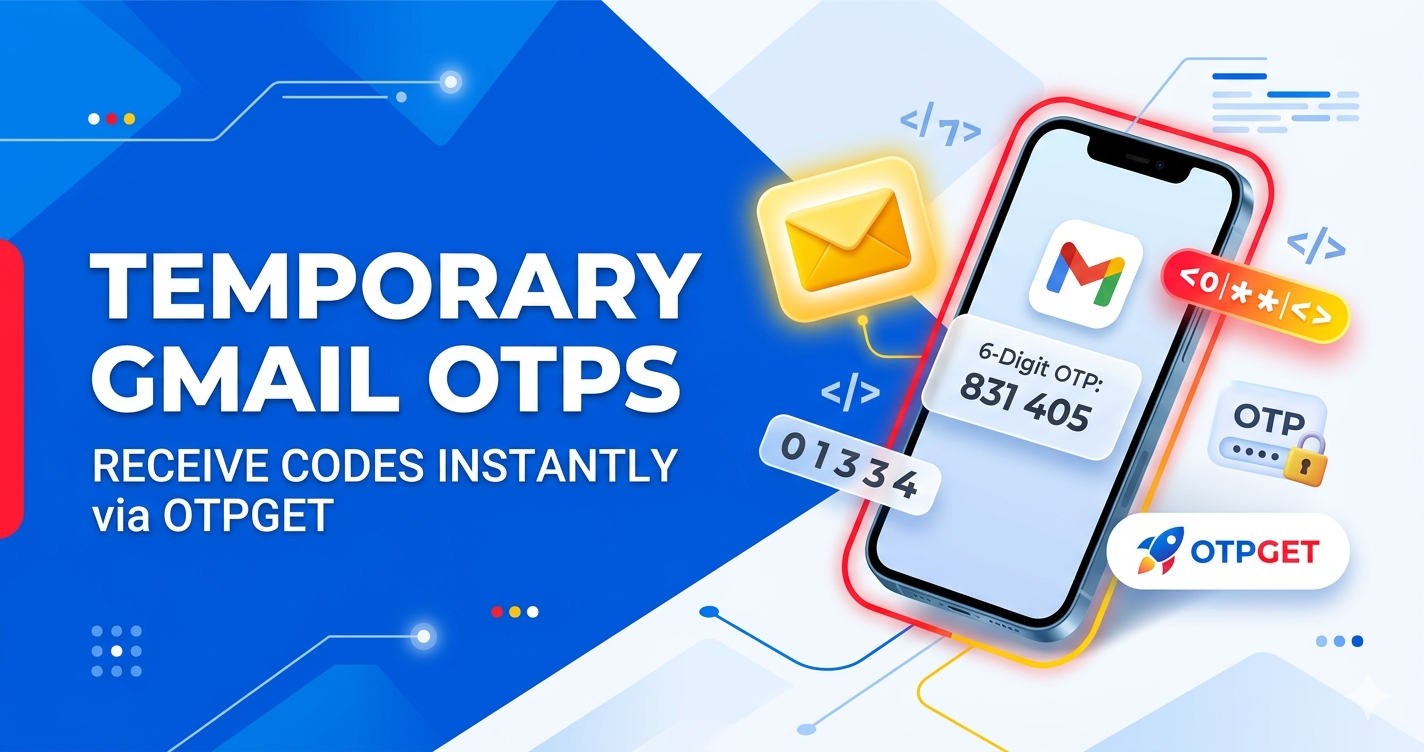
Temporary Gmail OTPs – Secure & Fast Verification via Otpget
Introduction to Temporary Gmail OTPs
What Are Temporary Gmail Accounts?
Temporary Gmail accounts are short-lived email addresses designed for quick, one-time use—especially for receiving verification messages like OTPs (One-Time Passwords). Instead of using your personal Gmail, these accounts act as a buffer between your real identity and the service you're signing up for. Think of them as disposable keys that open a door once and then become irrelevant.
Unlike traditional disposable email services, temporary Gmail accounts are particularly powerful because they leverage the credibility and compatibility of Gmail itself. Many websites and apps prefer or even require Gmail-based registrations due to their reliability and spam filtering. This makes temporary Gmail OTPs especially useful when you need a seamless verification experience without risking your primary inbox.
These accounts are often auto-generated and accessible through platforms like Otpget, where users can instantly pick an available Gmail address and start receiving OTPs without any lengthy setup. The simplicity is what makes them appealing—no passwords to remember, no recovery emails, just immediate functionality.
Why OTP Verification Requires Reliable Email Access
OTP verification is now a standard security layer across digital platforms. Whether you're signing up for a new app, accessing a service, or verifying your identity, OTPs ensure that the person requesting access actually controls the email address or phone number involved.
But here's the catch—OTP delivery needs to be fast, reliable, and accessible. Delayed emails or blocked inboxes can disrupt the process entirely. That’s where temporary Gmail OTPs shine. Because Gmail infrastructure is highly trusted and optimized, OTP messages typically arrive instantly, reducing friction in the verification process.
Using a temporary Gmail account also minimizes risk. If a platform later experiences a data breach or starts sending unwanted emails, your primary inbox remains untouched. This balance between accessibility and protection is exactly why more users are turning to solutions like Otpget.
Benefits of Using Temporary Gmail OTPs
Privacy and Anonymity Advantages
One of the biggest reasons people choose temporary Gmail OTPs is privacy. When you use your personal email for every signup, you leave a trail—one that can be tracked, sold, or even exploited. Temporary Gmail accounts break that chain.
By using a disposable Gmail address from Otpget, you avoid sharing your real identity. This is particularly useful when testing services, accessing limited-time offers, or signing up on platforms you don’t fully trust yet. You get what you need—the OTP—without exposing personal information.
In an age where data is currency, anonymity isn’t just a preference; it’s a strategy.
Convenience and Instant Access
Speed matters. No one wants to wait minutes—or worse, hours—for an OTP that should arrive instantly. With Otpget Gmail OTP, the process is streamlined. You simply select a temporary Gmail account, use it for verification, and watch the OTP appear almost immediately.
There’s no registration process on your end, no passwords to manage, and no inbox clutter to navigate. Everything is designed for quick access. It’s like walking into a room, grabbing what you need, and leaving—no strings attached.
Avoiding Spam and Inbox Clutter
We’ve all been there: you sign up for one service, and suddenly your inbox is flooded with promotional emails, newsletters, and notifications you never asked for. Temporary Gmail accounts eliminate this problem entirely.
Since these accounts are disposable, any follow-up emails become irrelevant. You don’t need to unsubscribe or filter messages—they simply don’t affect your main inbox. Over time, this keeps your personal email clean, organized, and focused on what actually matters.
Understanding Otpget Gmail OTP Service
What Is Otpget?
Otpget is a specialized platform designed to provide users with instant access to temporary Gmail accounts specifically for receiving OTPs. Unlike generic temp mail services, Otpget focuses on reliability, speed, and compatibility with modern verification systems.
The platform acts as a bridge between users and Gmail-based OTP delivery. Instead of creating accounts manually, users can simply select from a pool of pre-generated Gmail addresses and start using them immediately.
How Otpget Provides Gmail OTP Access
Otpget simplifies the entire process. Once you access the platform, you’re presented with a list of available Gmail addresses. Each one is ready to receive incoming messages, including OTPs.
When you use one of these emails for verification, the OTP appears in real time on the platform’s interface. There’s no need to log in to Gmail or refresh multiple tabs. Everything is centralized and optimized for speed.
This efficiency is what makes Otpget Gmail OTP a preferred choice for users who need quick, secure, and hassle-free verification.
Step-by-Step Guide to Using Otpget Gmail OTP
Step 1: Access the Otpget Platform
Start by visiting the Otpget website. The interface is typically clean and user-friendly, designed to help you get started without confusion. You don’t need to create an account or provide personal information.
Step 2: Select a Temporary Gmail Account
Browse through the list of available Gmail addresses. Choose one that suits your needs and copy it. This will be your temporary email for OTP verification.
Step 3: Use the Email for OTP Verification
Go to the platform or service requiring verification. Paste the selected Gmail address into the email field and request the OTP.
Step 4: Receive and Retrieve the OTP
Return to Otpget and monitor the inbox associated with your selected email. Within seconds, the OTP should appear. Copy it and complete your verification process.
That’s it—no delays, no complications, just a smooth workflow from start to finish.
Secure OTP verification
Best Practices for Safe Usage
Even though temporary Gmail accounts enhance privacy, it’s still important to use them wisely. Always ensure you’re using a trusted platform like Otpget, and avoid entering sensitive personal data on unknown websites.
Use temporary emails primarily for low-risk verifications. For critical accounts—like banking or long-term services—it’s still best to rely on your personal email for full control and recovery options.
Common Mistakes to Avoid
A common mistake is assuming temporary emails are suitable for everything. They’re not. Since you don’t own these accounts permanently, you won’t be able to recover them later.
Another issue is delay in retrieving OTPs. While Otpget is fast, OTPs can expire quickly, so timing matters. Always be ready to copy and use the code as soon as it arrives.
Comparing Temporary Gmail OTPs vs Personal Emails
| Feature | Temporary Gmail OTPs | Personal Email |
|---|---|---|
| Privacy | High | Low |
| Convenience | Instant | Moderate |
| Spam Risk | None | High |
| Account Recovery | Not Available | Available |
| Best Use Case | Quick OTP Verification | Long-term Accounts |
Use Cases for Temporary Gmail OTPs
Temporary Gmail OTPs are incredibly versatile. They’re commonly used for signing up on websites, testing applications, accessing free trials, and bypassing unnecessary email commitments.
Developers often use them for testing user flows, while everyday users rely on them to avoid spam. Whether you’re exploring a new service or verifying a one-time action, Otpget Gmail OTP provides a practical solution.
Conclusion
Using temporary Gmail OTPs through Otpget Gmail OTP is a smart, efficient way to handle modern verification requirements. It combines the reliability of Gmail with the flexibility of disposable email, giving users the best of both worlds.
You get instant access, enhanced privacy, and a clutter-free experience—all without compromising on speed or usability. For anyone who frequently deals with OTP verifications, this approach isn’t just convenient; it’s strategic.
FAQs
1. Are temporary Gmail OTPs safe to use?
Yes, when used through reliable platforms like Otpget, they provide a secure way to receive OTPs without exposing personal information.
2. Can I reuse the same temporary Gmail account?
Typically, no. These accounts are meant for short-term use and may not be available later.
3. Do all websites accept temporary Gmail OTPs?
Most do, especially because they are Gmail-based, but some platforms may restrict disposable emails.
4. Is Otpget free to use?
Many features are accessible without payment, though availability may vary depending on demand.
5. Can I recover accounts created with temporary Gmail?
No, since you don’t control the email permanently, account recovery is not guaranteed.