Get OTP Code Without a Phone: Safe Virtual SMS Guide
Full Blog Article
Introduction: The Growing Need for OTP Without a Phone
In today’s digital world, almost every online service requires OTP (One-Time Password) verification. Whether you are signing up for an app, creating a social media account, or accessing an online platform, OTP has become a standard security step.
But what happens if you don’t have a personal SIM card, your phone is not available, or you simply want to keep your number private? This is where the need to get OTP code without a phone becomes important.
Many users now rely on virtual SMS solutions that allow OTP receive online without needing a physical SIM card. These tools are designed for privacy, testing, and convenience, especially for developers, travelers, or users who prefer not to share their personal number.
One of the most popular solutions in this space is OTPGET, a virtual OTP receiving service that helps users access SMS verification messages securely and easily.
Why People Need OTP Without a Phone
There are several legitimate and practical reasons why someone might want to receive OTP without using a personal phone number.
1. Privacy Protection
Many users do not want to share their personal number with multiple websites. Using a virtual SMS number helps protect identity and reduces spam or unwanted messages.
2. Testing and Development
Developers often need SMS verification without SIM while testing apps, websites, or login systems. Virtual OTP services make this process faster and more flexible.
3. Temporary Access Needs
Sometimes users only need short-term access to a platform. A temporary phone number helps complete OTP verification without long-term commitment.
4. Travel and Accessibility
People traveling or living in regions where SIM access is limited may rely on online OTP service tools to stay connected to essential platforms.
5. Avoiding SIM Dependency
Not everyone has immediate access to a mobile SIM. Virtual solutions provide an alternative way to complete verification tasks.
How Virtual OTP Receiving Works
Understanding how virtual OTP systems work is simple.
A virtual OTP receiving service provides users with a temporary or shared virtual phone number. When a website sends an OTP, the message is delivered to this virtual number instead of a physical SIM card.
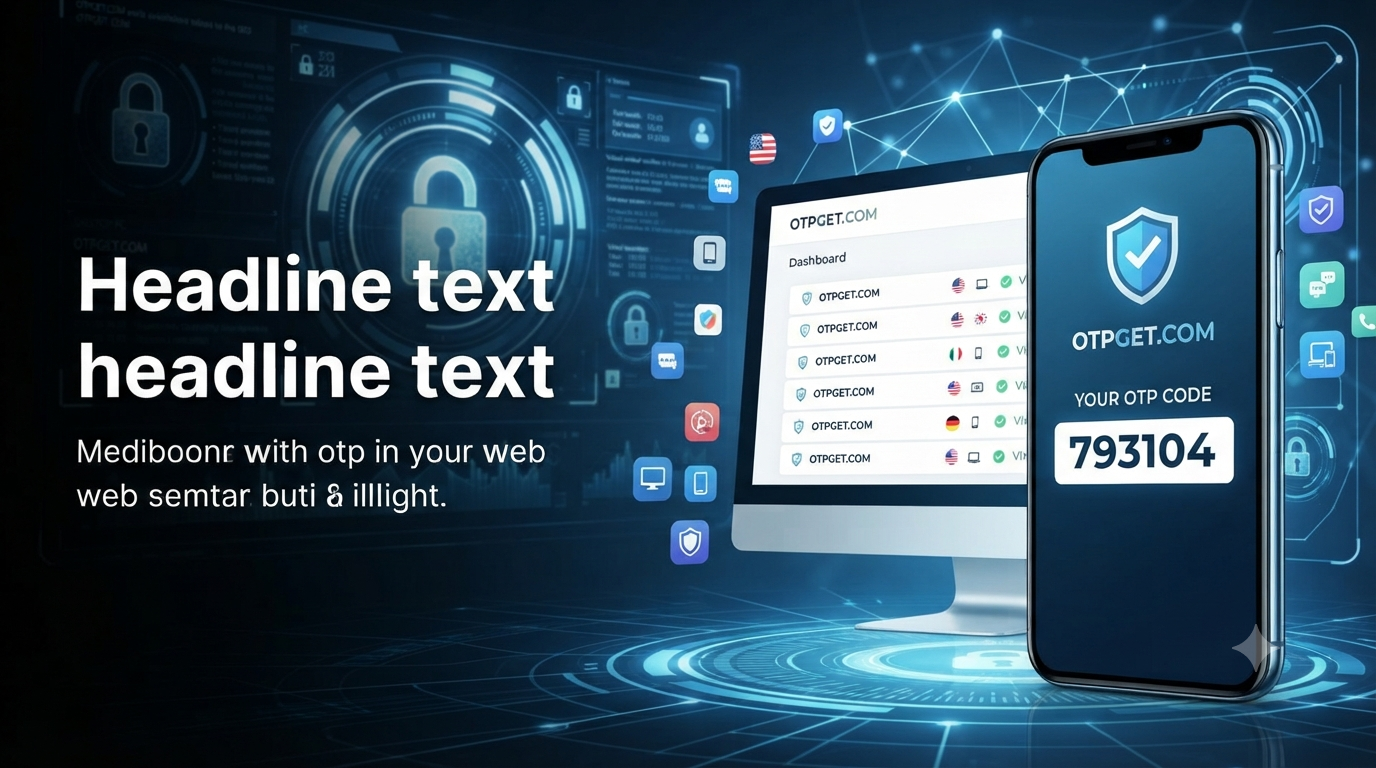
The system then displays the incoming SMS in an online dashboard. Users can log in, view the message, and use the OTP for verification instantly.
This process is widely used for:
- Account verification
- App testing
- Temporary sign-ups
- Privacy-focused browsing
Services like OTPGET act as a bridge between websites sending SMS and users who need quick access without a physical device.
Key Features Users Should Look For
Not all virtual SMS platforms are the same. When choosing an OTP receive online service, it’s important to consider the following features:
1. Speed of Message Delivery
OTP codes are time-sensitive. A good service should display SMS messages instantly.
2. Number Availability
A reliable platform should offer multiple virtual phone number options for different regions.
3. User Privacy
The service should not store sensitive personal data and should focus on secure OTP delivery.
4. Ease of Use
A simple interface makes it easier for users to quickly access their OTP messages.
5. Compatibility
The platform should work with major websites and apps that require SMS verification.
OTPGET is designed with these features in mind, offering a smooth experience for users who need virtual SMS number access for legitimate purposes.
Step-by-Step Guide to Using a Virtual OTP Service
Using a virtual OTP system is straightforward. Here’s how it generally works:
Step 1: Choose a Service
Select a trusted platform like OTPGET that offers online OTP service functionality.
Step 2: Select a Virtual Number
Pick a temporary phone number from the available list. Some services offer numbers from different regions.
Step 3: Enter the Number on the Website
Use the selected virtual number when signing up or verifying an account.
Step 4: Wait for OTP Delivery
Once the website sends the SMS, it will appear in your OTP dashboard.
Step 5: Copy and Use the Code
Retrieve the OTP and enter it into the verification field to complete the process.
This entire process usually takes only a few seconds and does not require a physical SIM card.
Benefits of Using OTP Receiving Services
Using a virtual SMS number for OTP verification comes with several advantages.
1. Enhanced Privacy
You don’t have to expose your personal phone number on multiple platforms.
2. Convenience
Access OTP messages from anywhere using an internet connection.
3. Flexibility
Use different numbers for different accounts or services.
4. Cost Efficiency
No need to maintain multiple SIM cards or phone plans.
5. Ideal for Testing
Developers and testers can quickly verify multiple accounts without switching devices.
Platforms like OTPGET make these benefits accessible through a simple and user-friendly interface.
Common Mistakes to Avoid
While using virtual OTP services, users should avoid certain mistakes:
1. Using Untrusted Platforms
Not all services are secure. Always choose reliable platforms.
2. Relying on One-Time Numbers for Important Accounts
Avoid using temporary numbers for critical accounts like banking or government services.
3. Ignoring Privacy Policies
Always check how your data is handled before using any service.
4. Delaying OTP Entry
OTP codes expire quickly. Always enter them immediately after receiving.
5. Using for Unauthorized Activities
Virtual SMS tools should only be used for legitimate and permitted purposes.
Safety, Privacy, and Responsible Usage
Security and privacy are the core reasons why virtual OTP systems exist. However, users must always use these tools responsibly.
A good online OTP service should:
- Protect user data
- Provide transparent usage terms
- Avoid storing unnecessary personal information
- Deliver OTP messages securely and quickly
OTPGET focuses on privacy-friendly OTP reception, making it suitable for users who need safe and temporary SMS access without compromising security.
Remember, OTP systems are designed to protect accounts. Virtual services should complement that protection, not weaken it.
Conclusion: A Smarter Way to Receive OTP Without a Phone
The need to receive OTP without a phone is becoming more common as digital services expand. Whether it’s for privacy, testing, or convenience, virtual SMS solutions provide a practical alternative to traditional SIM-based verification.
By using a trusted platform like OTPGET, users can easily access OTP receive online services without complications. These tools make verification faster, more flexible, and more privacy-friendly.
As long as they are used responsibly, virtual OTP services can significantly improve the way people interact with online platforms—offering freedom without sacrificing security.