Gmail OTP with Virtual Number | OTPGet Secure Verification
How to Get OTP Number for Gmail — OTPGet
Introduction
Creating or securing a Gmail account often requires SMS verification. Google uses one-time passwords (OTPs) to confirm that a real person is accessing or registering an account, helping reduce spam, fraud, and unauthorized access.
However, not everyone wants to use a personal phone number. Some users manage multiple Gmail accounts, travel internationally, work remotely, or simply value their privacy. Others may experience delays from mobile carriers or find that their existing number has already been used too many times for verification.
A virtual phone number offers a practical alternative. With OTPGET, you can receive Gmail OTP verification codes quickly, securely, and privately without relying on your personal mobile number.
This guide explains how to get an OTP number for Gmail, why virtual numbers are useful, and how OTPGET simplifies the entire verification process.
What Is Gmail OTP Verification?
A Gmail OTP (One-Time Password) is a temporary security code sent by Google through SMS to verify your identity.
Google uses OTP verification to:
- Confirm that you're creating a legitimate account.
- Protect existing Gmail accounts from unauthorized access.
- Support two-factor authentication.
- Prevent automated account creation.
- Improve overall account security.
During Gmail OTP verification, Google sends a Gmail verification code to the phone number provided. Entering this code completes the verification process.
This extra layer of protection helps keep Gmail accounts secure while reducing abuse across Google's services.
Why Users Need a Virtual Number for Gmail
Many users prefer a virtual phone number for Gmail instead of their personal number for legitimate privacy and convenience reasons.
Protect Your Privacy
Using a private phone number keeps your personal mobile number separate from online accounts.
Create Multiple Gmail Accounts
Business owners, developers, marketers, and agencies often manage several Gmail accounts. A gmail virtual number helps simplify account verification.
International Access
Travelers and remote workers may not always have access to their home SIM card. An online phone number makes verification much easier.
Business Registration
Companies frequently create Gmail accounts for departments, customer support, and employees.
Software Testing
Developers often need temporary accounts during testing. A temporary number for verification saves time while protecting personal contact details.
Digital Marketing
Marketing teams regularly create separate accounts for advertising, analytics, and campaign management.
Common Problems Receiving Gmail OTP
Many users encounter challenges when trying to receive a Gmail verification SMS.
Common issues include:
- No physical SIM card available
- Traveling abroad
- Poor network coverage
- Carrier SMS delays
- Lost or damaged phone
- Number already used too many times
- Privacy concerns
- Temporary numbers that fail verification
- Regional restrictions
- Difficulty receiving international SMS
These situations can delay Gmail account verification and create unnecessary frustration.
How OTPGET Solves These Problems
OTPGET is designed specifically to make SMS verification simple, secure, and reliable.
Key advantages include:
- Instant activation
- Fast SMS delivery
- High verification success rate
- Private virtual numbers
- Global coverage
- Affordable pricing
- Easy-to-use dashboard
- Reliable verification process
- Secure OTP verification
- Excellent platform uptime
Whether you need a virtual mobile number, an OTP receiver, or an SMS verification service, OTPGET provides a streamlined solution for receiving Gmail verification codes.
Step-by-Step Guide: How to Receive Gmail OTP Using OTPGET
Step 1: Create an OTPGET Account
Register for an OTPGET account and access the dashboard.
Step 2: Choose Gmail
Select Gmail from the list of supported services.
Step 3: Buy a Virtual Number
Choose a suitable virtual phone number for Gmail based on your preferred region.
Step 4: Enter the Number into Gmail
Use the provided virtual number during Gmail registration or verification.
Step 5: Wait for the Verification SMS
Google sends the Gmail verification SMS within moments.
Step 6: Receive the OTP
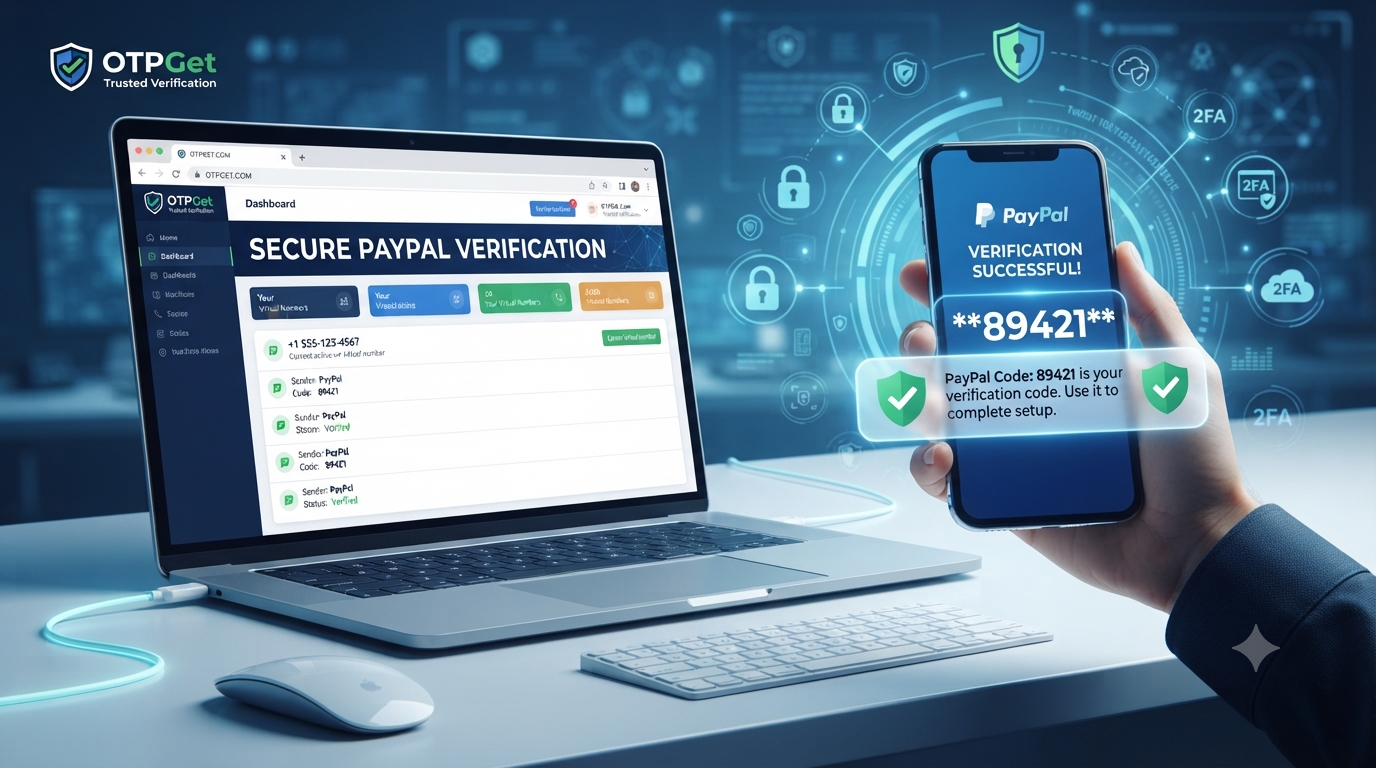
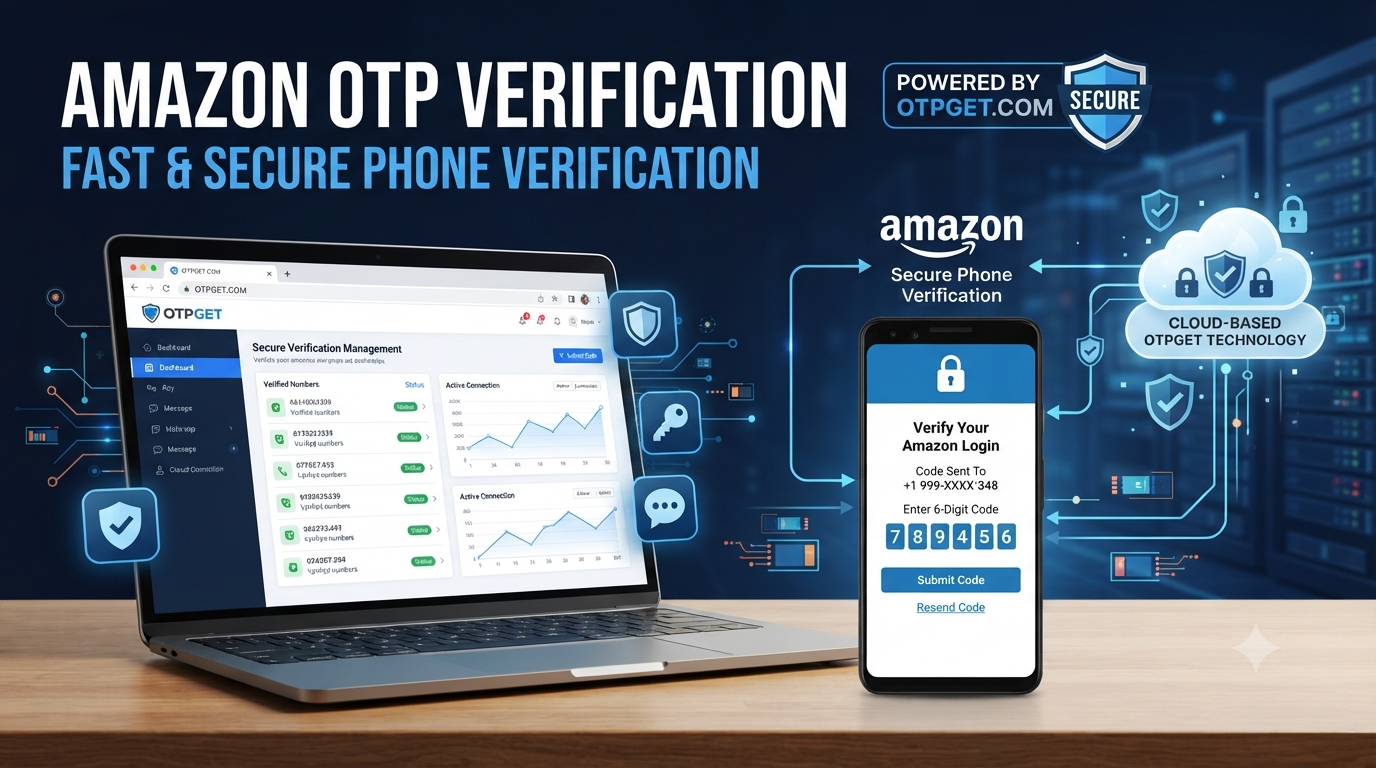
The verification code appears instantly in your OTPGET dashboard.
Step 7: Complete Verification
Enter the OTP into Gmail to finish the verification process.
Why Choose OTPGET Over Other Services?
| Feature | OTPGET | Other Providers |
|---|---|---|
| Pricing | Affordable | Often higher |
| SMS Delivery | Fast | May be delayed |
| Privacy | Excellent | Varies |
| Number Availability | Large inventory | Limited |
| Dashboard | Simple and modern | Sometimes outdated |
| Customer Support | Responsive | Inconsistent |
| Success Rate | High | Varies |
| Security | Strong account protection | Depends on provider |
| Reliability | Excellent uptime | Can be inconsistent |
Benefits of Using OTPGET
Using OTPGET provides several advantages:
- Protect your personal number
- Receive OTP instantly
- High delivery reliability
- Easy account management
- Supports multiple countries
- Secure verification process
- Affordable virtual numbers
- Suitable for businesses
- Helpful for developers
- Great for freelancers
- Convenient for travelers
- Fast SMS activation
- User-friendly dashboard
- Reliable customer support
Tips for Successful Gmail Verification
To improve your chances of successful verification:
- Use a high-quality virtual number.
- Ensure the number supports SMS.
- Enter the correct country code.
- Request only one OTP at a time.
- Wait a few minutes before requesting another code.
- Double-check the phone number.
- Use a trusted virtual number provider like OTPGET.
- Keep your dashboard open while waiting for the SMS.
Frequently Asked Questions
Can Gmail use virtual numbers?
Yes. Gmail may accept virtual numbers that support SMS verification, although acceptance depends on Google's verification systems at the time of use.
Is OTPGET safe?
OTPGET is designed to provide secure, private virtual phone numbers for receiving OTP verification codes.
Can I receive Gmail OTP online?
Yes. With OTPGET, you can receive Gmail OTP codes through your online dashboard using a supported virtual number.
How long does Gmail OTP take?
In most cases, the verification SMS arrives within a few moments, although delivery time may vary.
Can I verify multiple Gmail accounts?
Yes. Depending on availability and Google's verification requirements, virtual numbers can help manage multiple account verifications.
Why didn't I receive my Gmail OTP?
Possible reasons include network delays, temporary service issues, incorrect number entry, regional restrictions, or Google's verification policies.
Is OTPGET private?
Yes. OTPGET helps protect your personal phone number by allowing you to use a virtual number for verification.
Does OTPGET work internationally?
Yes. OTPGET offers virtual numbers from multiple regions, making it useful for users around the world.
Can I use a temporary phone number for Gmail?
Many users choose temporary or virtual numbers for verification, though Google ultimately decides whether a specific number is accepted.
Is a virtual phone number better than using my personal number?
If privacy is important, a virtual number can help separate your personal mobile number from online account registrations.
Internal Linking Opportunities
For a stronger website structure, consider linking readers to:
- Home
- Pricing
- Supported Services
- Virtual Numbers
- FAQ
- Blog
These internal links improve navigation and support on-page SEO.
Final Conclusion
Gmail verification is an essential security feature that protects users and helps maintain the integrity of Google's services. Whether you're creating a new account, managing multiple inboxes, traveling internationally, or protecting your personal privacy, using a virtual phone number can make the verification process more convenient.
OTPGET offers a practical solution with fast SMS delivery, secure virtual numbers, an intuitive dashboard, global availability, and reliable performance. Instead of relying on your personal phone number, you can receive Gmail OTP verification codes quickly and securely while keeping your information private.
If you're looking for a dependable way to receive Gmail verification codes online, OTPGET is a smart choice for individuals, businesses, developers, freelancers, and digital professionals who value speed, privacy, and reliability.