How to Get OTP on GetOTP Easily for Secure Online Verification
How to Get OTP on GetOTP Easily and Securely Online
1. Introduction
In today’s digital world, online security has become more important than ever. Almost every platform—from social media apps to banking services—requires identity verification before granting access. One of the most common methods used for this verification is the One-Time Password (OTP).
An OTP is a unique, time-sensitive code sent to your mobile number or email address. It ensures that only the rightful user can access an account or complete a transaction. This simple yet powerful system protects users from unauthorized access and cyber threats.
However, many users face challenges when receiving OTPs on their personal numbers. Issues like network delays, SIM restrictions, roaming problems, or privacy concerns can interrupt the verification process. In some cases, users may not want to share their personal number at all.
This is where platforms like OTPGET come in. OTPGET provides a modern solution for receiving OTPs online quickly, securely, and without needing a physical SIM card. It simplifies the verification process and helps users complete registrations without hassle.
2. What is OTPGET?
OTPGET is a virtual OTP receiving platform designed to help users receive SMS verification codes online. It acts as a digital SMS reception service where users can access temporary or virtual numbers for OTP verification purposes.
Instead of relying on a physical SIM card, OTPGET allows users to receive messages through an online dashboard. This makes it extremely convenient for people who need quick and flexible verification solutions.
The platform is built for speed, accessibility, and ease of use. Whether you are signing up for a new app, testing software, or completing online registration, OTPGET provides a seamless experience.
In simple terms, OTPGET is a virtual SMS number service that helps users receive OTPs online without needing their personal mobile number.
3. Why People Need Online OTP Services
The demand for online OTP services has increased significantly due to the growing need for digital privacy and convenience. Here are some common reasons why users rely on such platforms:
Account Verification Issues
Many websites require OTP verification, but sometimes messages are delayed or never arrive due to network problems or carrier restrictions.
Privacy Concerns
Users often hesitate to share their personal mobile numbers with multiple websites due to privacy risks, spam messages, or data misuse concerns.
Regional Access Limitations
Some online services are not available in certain countries, making OTP delivery difficult for international users.
Temporary Usage Needs
Developers, testers, and marketers often need temporary numbers to create accounts for testing or short-term usage.
These challenges highlight the importance of secure OTP receiver online platforms that provide flexibility and reliability.
4. How to Get OTP on GetOTP (Step-by-Step Guide)
Using OTPGET is simple and beginner-friendly. You don’t need technical knowledge to get started. Just follow these steps:
Step 1: Open OTPGET Platform
Start by accessing the OTPGET online platform through your browser. The interface is designed to be clean and easy to navigate.
Step 2: Choose a Virtual Number or Service
Select a virtual SMS number from the available options. These numbers are designed specifically for receiving OTP messages from different platforms.
Step 3: Enter Number on Required Website/App
Copy the selected virtual number and paste it into the verification field of the app or website where you are signing up.
Step 4: Wait for OTP Delivery
Once you submit the number, the platform will send an OTP to it. Wait a few seconds for the message to be processed.
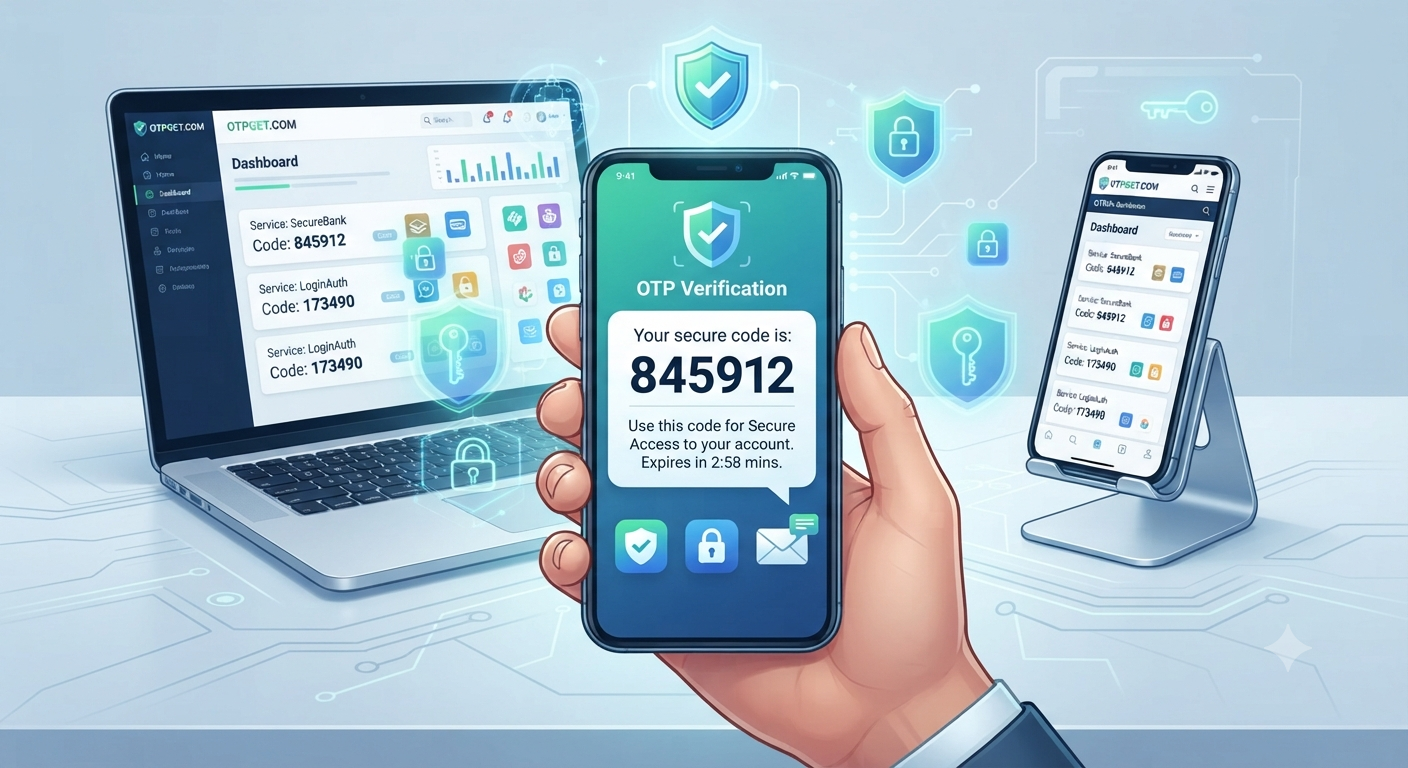
Step 5: Receive OTP on OTPGET Dashboard
Go back to your OTPGET dashboard. The incoming OTP message will appear in real time on your screen.
Step 6: Use OTP for Verification
Copy the OTP code and enter it into the required field to complete your verification process successfully.
This step-by-step system ensures smooth and efficient SMS verification online without any unnecessary delays.
5. Key Features of OTPGET
OTPGET offers several powerful features that make it a reliable OTP receiving platform:
- Fast OTP delivery with minimal delay
- Simple and user-friendly interface
- Access to multiple virtual numbers
- Global accessibility from anywhere
- Secure OTP handling system
- No need for a physical SIM card
These features make it suitable for both personal and professional use.
6. Benefits of Using OTPGET
Using OTPGET comes with several advantages that improve your online experience:
Protects Personal Number Privacy
You don’t need to share your real phone number, reducing the risk of spam and data leaks.
Easy Online Verification
The process is fast and straightforward, allowing users to complete verification in seconds.
Saves Time
No need to wait for delayed SMS messages or deal with network issues.
Works Across Platforms
OTPGET can be used for multiple websites, apps, and online services.
Ideal for Developers and Testers
It is especially useful for professionals who need temporary numbers for testing applications or systems.
7. OTPGET vs Traditional OTP Methods
When comparing OTPGET with traditional OTP methods, the differences are clear:
Speed Comparison
Traditional OTP delivery depends on mobile networks, which can sometimes be slow. OTPGET provides near-instant delivery through its digital system.
Privacy Comparison
Traditional methods require your personal number, while OTPGET allows you to stay anonymous using virtual numbers.
Convenience Comparison
With OTPGET, you can access OTPs anywhere through an online dashboard, unlike SIM-based OTP systems that require physical access to your phone.
Accessibility Advantages
OTPGET works globally, making it useful even in regions with restricted SMS services.
Overall, OTPGET offers a more flexible and modern approach to OTP verification.
8. Common Use Cases
OTPGET is widely used across different industries and scenarios:
- Social media account verification
- App testing for developers
- Temporary registrations on websites
- Online service sign-ups
- Business verification processes
Its versatility makes it a useful tool for both individuals and organizations.
9. Is OTPGET Safe to Use?
Safety is one of the most important concerns when using online OTP services. OTPGET is designed with security and privacy in mind, ensuring that user data is handled responsibly.
The platform focuses on protecting user anonymity and minimizing exposure of personal information. However, it is important to use such services responsibly and ethically.
Users should always follow platform rules and avoid using OTP services for any unauthorized or harmful activities. The intended purpose is to simplify verification, improve accessibility, and support legitimate testing or registration needs.
When used correctly, OTPGET can be a secure and efficient online verification tool.
10. Final Thoughts
OTP verification has become a critical part of modern digital life, ensuring secure access to online platforms. However, traditional OTP methods are not always convenient or privacy-friendly.
OTPGET offers a modern alternative by providing virtual SMS numbers and instant OTP reception through an easy-to-use online system. It helps users complete verification quickly while protecting personal privacy.
Whether you are a developer, tester, or everyday user looking for a smoother verification experience, OTPGET can be a practical solution for your needs. With its speed, accessibility, and simplicity, it represents the future of secure online OTP handling.