How to Get OTP Online: Complete Guide to Secure Verification Tips
How to Get OTP Online: Complete Guide to Secure Verification Tips
Introduction
If you are trying to understand how to get OTP online, you are not alone. Every day, millions of users need quick access to SMS verification codes to create accounts, log in, or verify online services. However, not everyone wants to share their personal phone number everywhere.
This is where modern solutions like OTPGET come in. It simplifies the entire process of OTP verification by allowing users to receive OTP online instantly, without the hassle of using a personal SIM card.
In this guide, you will learn everything about online OTP systems, how they work, why they are used, and how OTPGET is one of the most reliable ways to handle verification securely and efficiently.
What is OTP?
OTP stands for One-Time Password. It is a temporary security code sent to your mobile number or email to verify your identity.
Typically, an OTP is used for:
- Logging into accounts
- Confirming transactions
- Creating new online accounts
- Resetting passwords
- Verifying identity during signup
An OTP is valid for a short time and cannot be reused, making it a strong layer of security.
Why Websites Require OTP Verification
Websites and apps use SMS verification to ensure that real users are accessing their platforms. This helps prevent:
- Fake account creation
- Spam registrations
- Fraudulent transactions
- Unauthorized access
By requiring OTP verification, platforms add a security checkpoint that confirms the user is genuine.
What Does It Mean to Receive OTP Online?
To receive OTP online means using a virtual or temporary number instead of a personal SIM card to get verification codes.
Instead of receiving messages on your phone, you can:
- Use an online OTP receiver
- Access a virtual phone number
- View SMS messages on a web dashboard
This method is widely used for privacy, convenience, and global accessibility.
How Online OTP Services Work
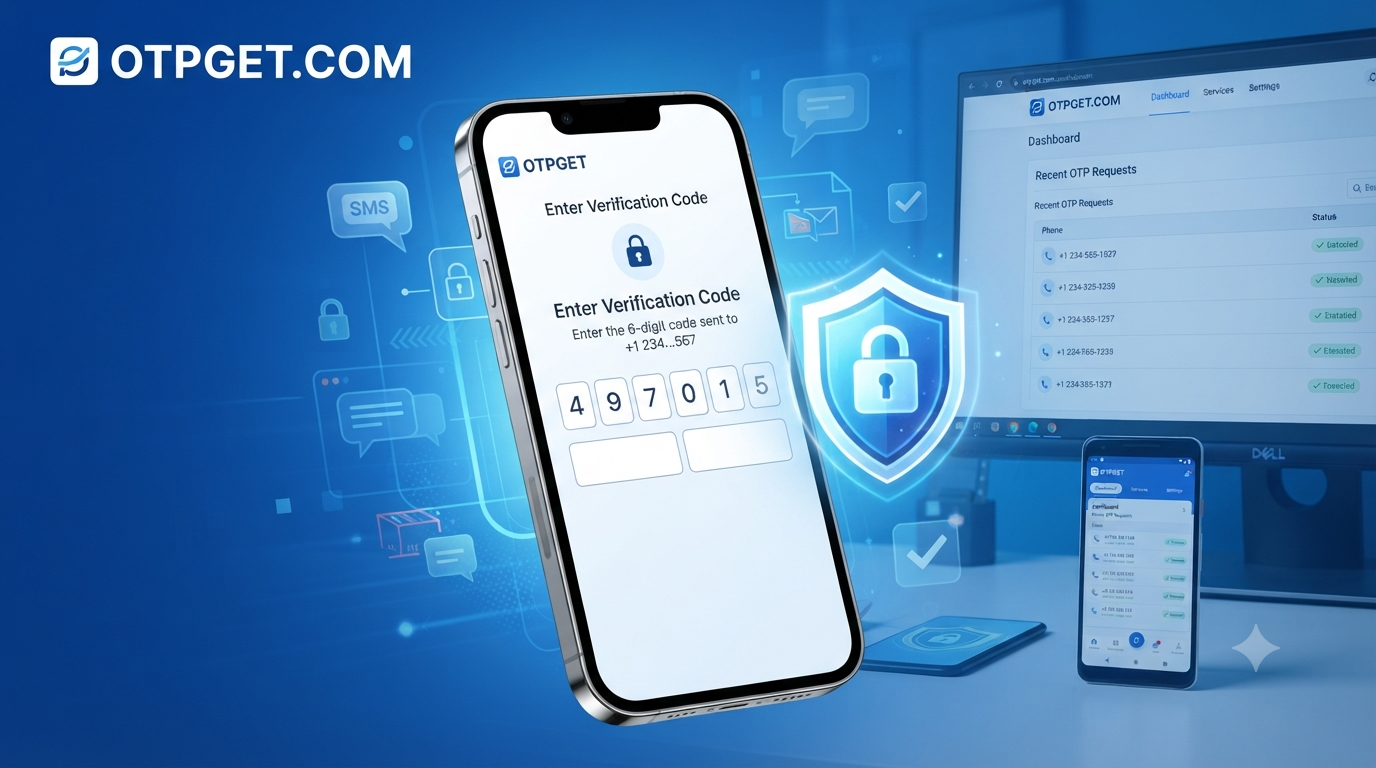
Online OTP systems act as intermediaries between websites and users. Here’s how the process works:
- You select a virtual number
- You use it during registration or login
- The website sends an OTP to that number
- The OTP appears in your online dashboard
- You use the code to complete verification
This makes it easy to receive SMS online without needing a physical SIM card.
Benefits of Receiving OTP Online
Using online OTP services comes with several advantages:
1. Privacy Protection
You don’t need to expose your personal number everywhere.
2. Instant Access
You can receive SMS instantly without delays.
3. Global Usage
Works with multiple countries and services.
4. Easy Setup
No SIM card or physical device required.
5. Cost Efficiency
Many services are more affordable than traditional SMS plans.
6. Flexibility
You can manage multiple verifications at once.
Common Use Cases
People use online OTP services for different reasons:
- Creating social media accounts
- Signing up for apps and websites
- Testing software or platforms
- Managing business accounts
- Protecting personal identity online
- Temporary registrations
A temporary phone number is especially useful when you don’t want long-term exposure of your real number.
Best Way to Get OTP Online
While there are many tools available, not all are reliable or secure. Some services fail to deliver OTPs on time or provide limited access.
This is where OTPGET stands out as one of the most dependable solutions for OTP online services.
Why OTPGET is the Better Choice
OTPGET is designed to make SMS verification simple, fast, and secure. It provides users with virtual numbers that work smoothly across different platforms.
Here’s why users prefer OTPGET:
- Fast setup – Get started in seconds
- Reliable delivery – High success rate for OTP reception
- Privacy focused – Protects your personal number
- Easy interface – Simple dashboard for beginners
- Multiple countries – Access numbers from different regions
- Secure verification – Safe handling of SMS data
Unlike many alternatives, OTPGET focuses on stability and user experience, making it a trusted choice for receive OTP without SIM needs.
How to Use OTPGET Step-by-Step
Using OTPGET is simple and beginner-friendly.
Step 1: Create Your Account
Sign up on OTPGET and log into your dashboard.
Step 2: Choose a Virtual Number
Select a temporary mobile number based on your preferred country or service.
Step 3: Use the Number for Verification
Enter the number while signing up on any website or app.
Step 4: Wait for OTP
The system will automatically capture incoming messages.
Step 5: Receive and Use Code
Copy the OTP from your dashboard and complete verification instantly.
Why Choose OTPGET Instead of Other Services
Here’s a quick comparison to help you understand the difference:
| Feature | OTPGET | Other Services |
|---|---|---|
| Fast OTP delivery | ✔️ | ❌ Sometimes delayed |
| Global numbers | ✔️ | Limited |
| Privacy protection | ✔️ | Not always guaranteed |
| User-friendly interface | ✔️ | Often complex |
| Reliability | ✔️ | Inconsistent |
| Secure SMS handling | ✔️ | Varies |
OTPGET clearly stands out as a more stable and user-friendly SMS verification service.
Tips for Safe OTP Verification
To stay secure while using online OTP tools, follow these tips:
- Always use trusted platforms like OTPGET
- Avoid sharing OTP codes with others
- Do not reuse OTPs for multiple accounts
- Check service compatibility before registration
- Use different numbers for different services when needed
These small steps ensure safer online verification experiences.
Common Mistakes to Avoid
Many users make simple mistakes when trying to receive code online:
- Using unreliable OTP services
- Ignoring privacy policies
- Reusing disposable numbers excessively
- Not checking service availability
- Entering incorrect verification details
Avoiding these mistakes improves success rates and protects your data.
Frequently Asked Questions
1. How can I get OTP online without SIM card?
You can use a virtual number service like OTPGET to receive OTP without a physical SIM.
2. Is it safe to receive OTP online?
Yes, if you use a secure platform that protects your SMS data and privacy.
3. What is a virtual phone number?
It is an online number used to receive SMS messages without a physical SIM.
4. Can I use online OTP for all websites?
Most websites support it, but compatibility may vary.
5. Why is OTP not received sometimes?
It may happen due to network delays or unsupported services.
6. What is OTPGET used for?
OTPGET is used for fast, secure, and reliable OTP verification online.
7. Can I use temporary numbers for multiple accounts?
Yes, but it is recommended to use separate numbers for better security.
8. Is OTPGET free or paid?
It offers flexible options depending on usage needs and service type.
Conclusion
Understanding how to get OTP online is essential in today’s digital world where almost every platform requires verification. While there are many ways to receive SMS online, not all services are reliable or secure.
OTPGET provides a smooth, fast, and secure way to handle OTP verification without exposing your personal number. Whether you need a virtual phone number, a temporary SMS solution, or a reliable OTP receiver, OTPGET makes the entire process simple and efficient.
If you are looking for a hassle-free way to manage online verification, OTPGET is the smart choice.
Take control of your online privacy and start using OTPGET for fast and secure OTP verification today.