How to Set Up Instagram in Grenada Using a Local Number Guide
How to Set Up Instagram in Grenada Using a Local Number Guide
Introduction
Setting up Instagram has become an essential step for anyone who wants to connect, share content, or grow a personal or business brand online. If you are in Grenada and want to create an account using a local number, the process is straightforward—but it must be done correctly to avoid verification issues later.
Many users face challenges during signup, especially when dealing with mobile number verification or Instagram verification code issues. This guide will walk you through everything step by step, using safe and official methods only. Whether you are a beginner or just switching to a new SIM, this article will help you set up your Instagram account smoothly and securely.
Why Use a Grenada Local Number for Instagram?
Using a local Grenada SIM number when creating your Instagram account offers several benefits:
- Faster SMS verification and OTP delivery
- Easier account recovery if you forget your password
- Better security through mobile-based authentication
- Improved trust for local business accounts and branding
- Smooth login experience when switching devices
A local number also helps Instagram recognize your account as authentic, which can improve account stability and reduce login interruptions.
Step-by-Step: How to Set Up Instagram in Grenada Using a Local Number
Creating an Instagram account using a Grenada SIM is simple if you follow the correct process.
Step 1: Download the Official Instagram App
First, install the official Instagram app from your device’s app store. Avoid third-party apps, as they may compromise your account security.
Once installed, open the app and tap on “Create new account.”
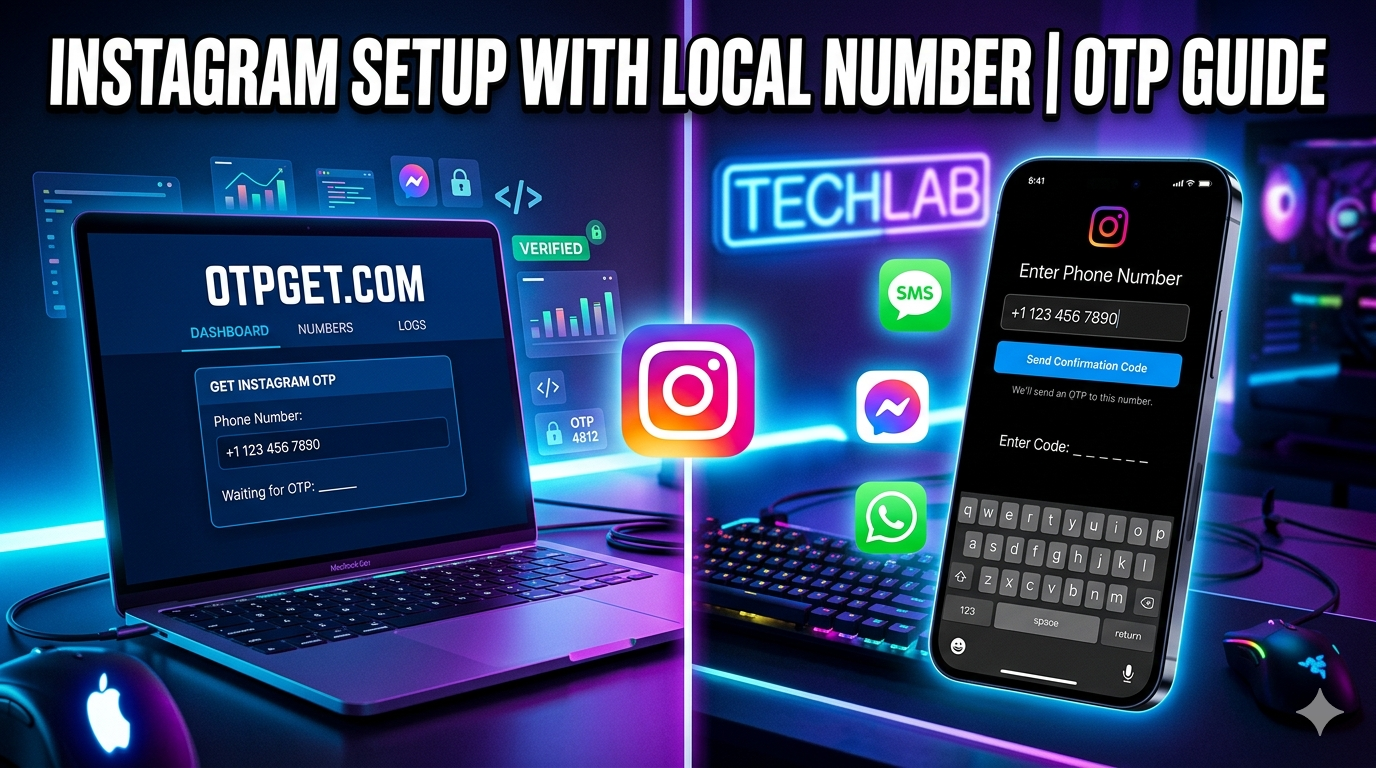
Step 2: Enter Your Mobile Number
When prompted, select the option to sign up using a phone number instead of email.
- Enter your Grenada mobile number correctly
- Double-check the country code before continuing
- Make sure your SIM is active and can receive SMS messages
This step is important because your Instagram verification code will be sent via SMS.
Step 3: Enter the Verification Code (OTP)
Instagram will send a one-time password (OTP) to your mobile number.
If you face an Instagram verification code issue, consider the following:
- Ensure your phone has network signal
- Wait a few minutes before requesting another code
- Restart your device if the SMS does not arrive
- Check if your SMS inbox is full
Do not use unofficial tools or websites claiming to send OTP codes. Always rely on official Instagram verification methods.
Step 4: Complete Your Profile Setup
After verification, you will be asked to:
- Add your full name
- Choose a username
- Create a strong password
Your username should be unique and easy to remember. Try to avoid overly complicated names for better visibility.
Step 5: Secure Your Account
Security is essential for every Instagram account. After setup:
- Enable two-factor authentication
- Add a recovery email address
- Keep your phone number updated
- Avoid sharing login details with others
This ensures your account remains safe even if you lose access to your device.
Common Instagram Signup Problems in Grenada
Many users in Grenada experience issues when trying to register or log in. Here are the most common problems and how to fix them safely.
1. Instagram Verification Code Issue
Sometimes the OTP does not arrive. This can happen due to:
- Network delays
- Incorrect phone number entry
- Temporary Instagram server issues
Solution:
Wait a few minutes and request a new code. Ensure your SIM is active and capable of receiving international SMS messages.
2. Instagram Signup Problem
If you cannot create an account, it may be due to:
- Using a previously banned number
- Entering incorrect details
- App cache issues
Solution:
Clear app cache, restart your phone, and try again using correct details.
3. Mobile Number Verification Failure
If Instagram rejects your number:
- Confirm the Grenada country code is correct
- Ensure your SIM is not restricted
- Try switching between Wi-Fi and mobile data
4. Instagram Login Help Issues
If you cannot log in after setup:
- Use “Forgot password” option
- Request a login link via SMS or email
- Ensure you still have access to your registered number
Best Practices for Using Instagram in Grenada
To ensure smooth usage after setup, follow these tips:
Keep Your SIM Active
Your Instagram account is tied to your mobile number. If your SIM expires or is deactivated, recovery may become difficult.
Update Recovery Options
Always add a backup email and keep your recovery information up to date.
Avoid Suspicious Apps
Do not use third-party apps claiming to boost followers or bypass Instagram security. These can lead to account suspension.
Use Strong Passwords
A strong password should include:
- Letters
- Numbers
- Symbols
Avoid using simple passwords like names or birthdays.
How to Recover an Instagram Account Safely
If you lose access to your account, Instagram provides official recovery tools.
Step 1: Go to Login Help
Use the “Need more help?” option on the login screen.
Step 2: Choose Recovery Method
You can recover your account using:
- Registered mobile number
- Email address
- Username verification
Step 3: Follow Instagram Instructions
Instagram will guide you through identity confirmation steps. Always follow official instructions carefully.
Benefits of Instagram for Users in Grenada
Instagram is not just for personal use—it also supports business growth and digital marketing in Grenada.
- Promote local businesses
- Connect with global audiences
- Share travel and lifestyle content
- Build personal or professional brands
- Engage with communities worldwide
With a properly set up account using a local number, users in Grenada can fully benefit from Instagram’s global platform.
Conclusion
Setting up Instagram in Grenada using a local number is a simple process when done correctly. The key is to follow official steps, ensure proper mobile verification, and avoid unsafe shortcuts.
Most issues like Instagram verification code problems or login difficulties can be solved by checking your network, using correct details, and relying only on Instagram’s built-in recovery tools.
By following this guide, you can create a secure, fully functional Instagram account and enjoy a smooth social media experience in Grenada—whether for personal use or business growth.