OTPGet Dashboard Guide: Use Features Easily

OTPGet Dashboard Guide — How to Use All Features
Introduction
In a digital world where users expect instant access, businesses face a major challenge: verifying customers quickly while keeping accounts secure. A slow or unreliable verification process can lead to abandoned registrations, frustrated users, and security risks.
OTP verification has become one of the most trusted methods for confirming user identity. Whether it is account creation, login authentication, transaction confirmation, or mobile verification, one-time passwords help businesses build safer digital experiences.
However, managing OTP requests manually or using complicated systems can create unnecessary operational problems. Businesses need a centralized platform that makes verification simple, secure, and scalable.
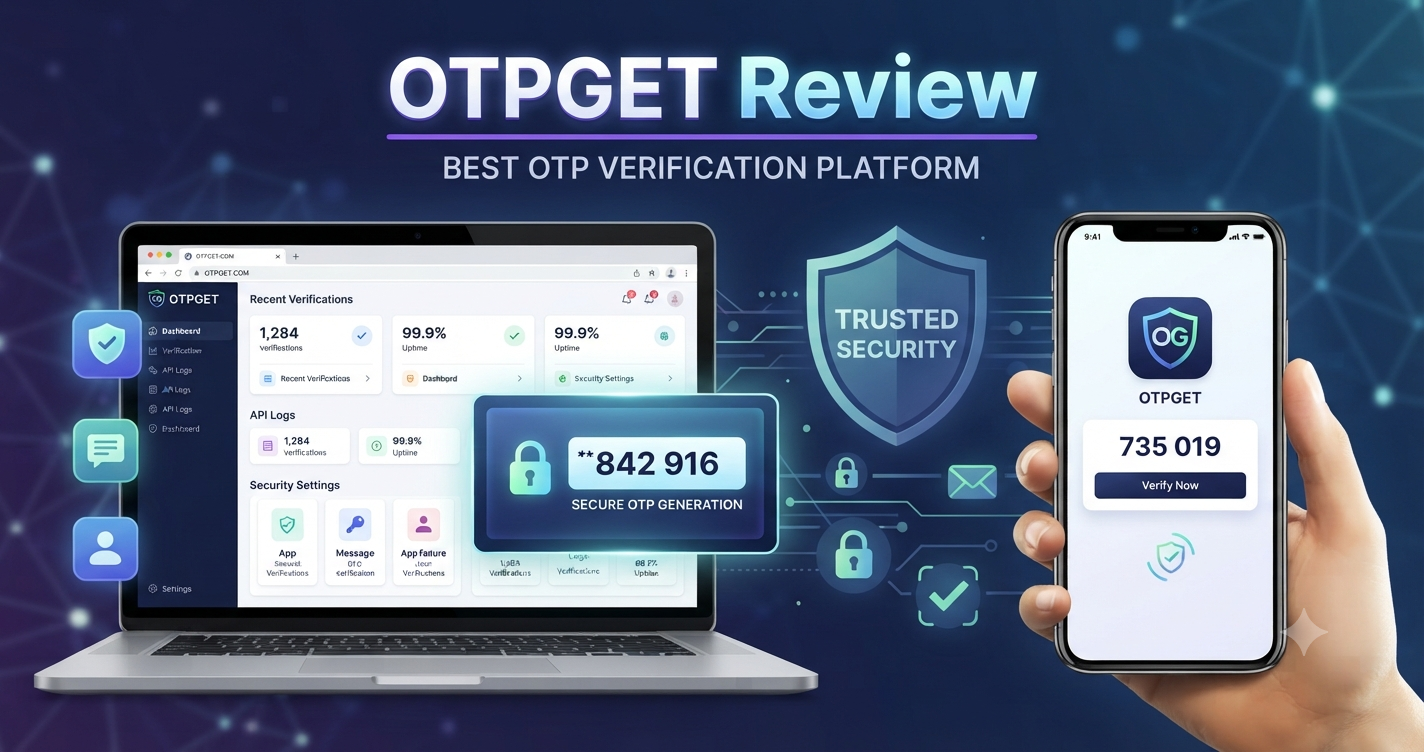
This is where OTPGET helps. OTPGET provides a powerful OTP verification platform designed for businesses, developers, and digital services that need reliable authentication solutions. With the OTPGet Dashboard, users can manage OTP services, monitor verification activity, configure integrations, and access important performance insights from one convenient location.
This guide explains how the OTPGet Dashboard works, its key features, and how businesses can use OTPGET to improve their customer authentication process.
What is OTPGet Dashboard?
The OTPGet Dashboard is a centralized management system that allows businesses to control and monitor their OTP verification activities from a single interface.
Instead of handling verification requests through multiple tools, businesses can use the dashboard to manage OTP generation, track user verification attempts, configure API connections, and review authentication performance.
A reliable OTP management dashboard is important because verification is often the first security step between a business and its customers. A well-designed dashboard helps teams maintain better control while improving user experience.
With OTPGET, businesses can simplify their verification workflow through:
- Centralized OTP management
- Real-time verification monitoring
- Easy API configuration
- User verification tracking
- Security management tools
- Performance analytics
The OTPGet Dashboard is built to support both technical and non-technical users, making it easier to manage authentication operations without unnecessary complexity.
Key Features of OTPGet Dashboard
The strength of an OTP verification platform depends on the features available for managing security, performance, and user experience. OTPGET provides a complete set of tools to help businesses handle verification efficiently.
OTP Generation and Management
OTPGET enables businesses to manage OTP generation processes effectively. The platform helps ensure users receive verification codes during important actions such as registration, login, and account recovery.
A structured OTP management system helps reduce errors and provides better control over verification workflows.
Real-Time Monitoring
Understanding verification activity is essential for maintaining service quality. The OTPGet Dashboard provides monitoring capabilities that allow businesses to review OTP requests and authentication activities.
Real-time visibility helps teams identify unusual activity, track system performance, and maintain smooth verification operations.
API Integration
Modern applications require flexible connections between different systems. OTPGET supports API-based OTP solutions, allowing developers to connect OTP services directly with websites, applications, and business platforms.
The developer-friendly OTP platform approach makes OTP integration easier for teams building custom solutions.
Businesses can use verification API capabilities for:
- User registration
- Secure login verification
- Transaction confirmation
- Account protection
- Customer authentication
User Verification Tracking
Tracking verification activity helps businesses understand user behavior and identify possible issues.
The OTPGet Dashboard allows teams to monitor verification attempts, successful authentications, and failed requests. This information can help improve the overall user verification system.
Security Controls
Security is a core requirement for every authentication system. OTPGET focuses on providing a secure authentication solution that helps businesses protect user accounts.
Security features help organizations manage verification processes while reducing risks associated with unauthorized access.
Analytics and Reporting
Data-driven decisions improve authentication performance. OTPGET provides reporting features that help businesses analyze verification trends and understand service performance.
Analytics can help teams evaluate:
- Verification success rates
- User activity patterns
- Authentication performance
- Service reliability
Developer-Friendly Tools
Developers need tools that reduce implementation time. OTPGET provides an easy-to-use environment for teams looking for a practical OTP API and verification API solution.
Clear integration options help developers create reliable authentication systems without unnecessary technical barriers.
Easy Account Management
The OTPGet Dashboard simplifies account control by bringing important settings and management options together.
Users can manage configurations, review activity, and maintain their OTP services through one organized platform.
How to Use OTPGet Dashboard Step by Step
Getting started with OTPGET is designed to be simple. Follow these steps to begin managing your OTP verification service.
Step 1: Create an Account
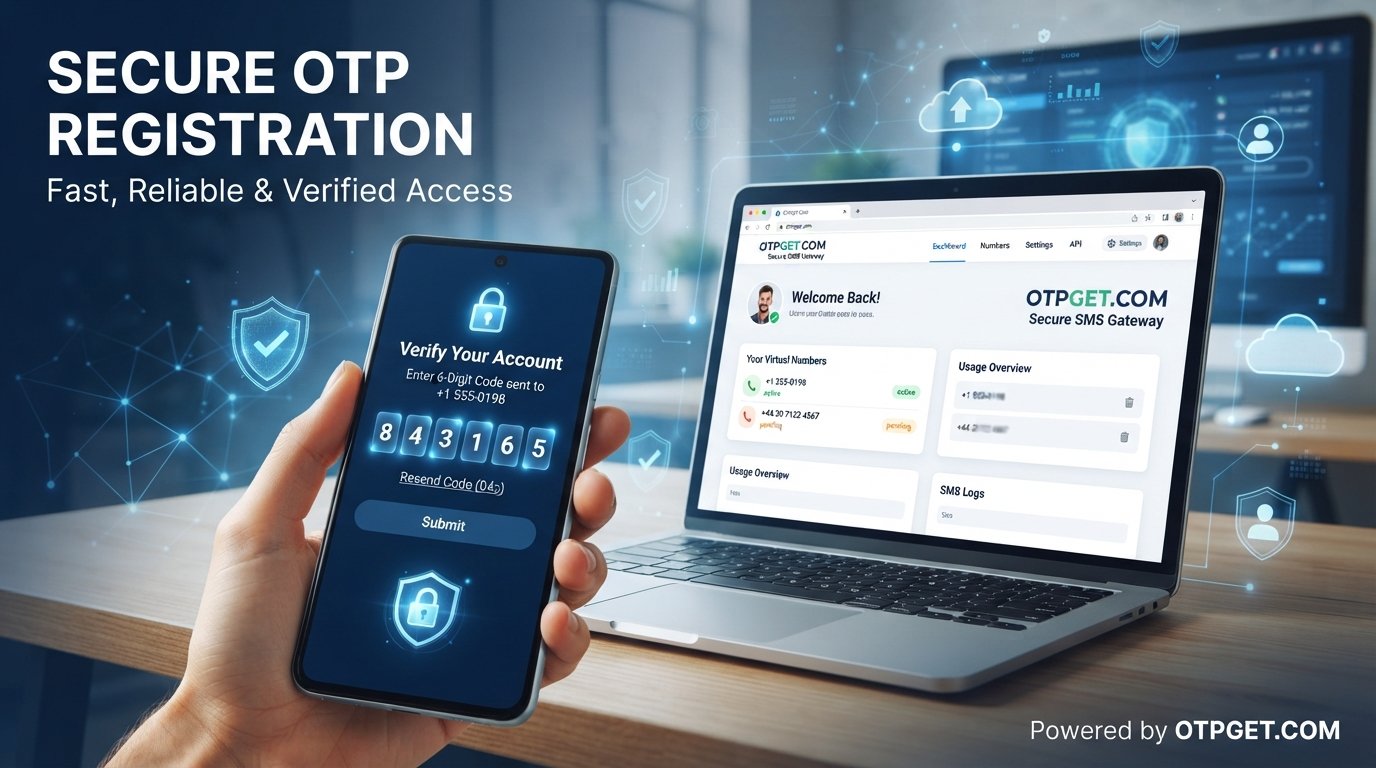
The first step is creating an OTPGET account. Registration gives you access to the dashboard where you can manage OTP services and configure your verification settings.
Once your account is ready, you can begin exploring available features and setup options.
Step 2: Access the Dashboard
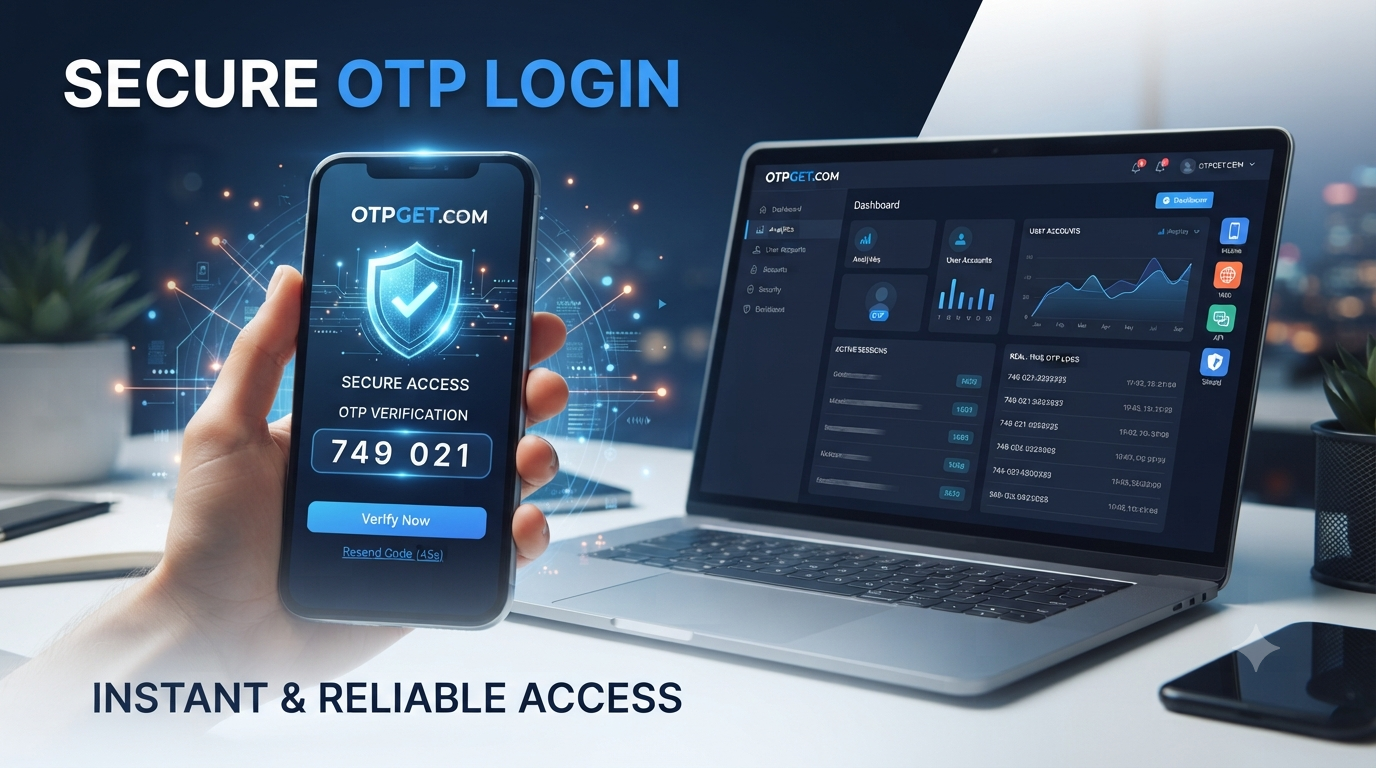
After signing in, access the OTPGet Dashboard to view your available tools.
The dashboard provides a central workspace where you can manage authentication activities, review settings, and monitor verification performance.
Step 3: Set Up OTP Services
Configure your OTP services based on your business requirements.
You can prepare verification workflows for different use cases, including:
- New user registration
- Customer login
- Password recovery
- Mobile verification service needs
- Secure transactions
Step 4: Configure Verification Options
Customize your verification process by selecting suitable options for your application.
Proper configuration helps deliver a smoother authentication experience while maintaining security standards.
Step 5: Manage API Settings
Developers can connect their applications using OTPGET API capabilities.
API settings allow websites, mobile applications, and software platforms to communicate with the OTP verification system.
A properly configured API-based OTP solution helps businesses automate verification processes efficiently.
Step 6: Monitor OTP Requests
Regular monitoring helps businesses maintain reliable service performance.
Review OTP requests, identify failed attempts, and track verification activity to improve authentication results.
Step 7: Review Reports
Use dashboard insights to understand how your verification system performs.
Reports can help businesses optimize delivery speed, improve customer experience, and strengthen their digital security solution.
Why Choose OTPGET for OTP Verification?
Choosing the right OTP service provider can directly affect customer trust and business growth. A poor verification experience can create unnecessary friction, while a reliable platform helps users complete actions quickly and confidently.
OTPGET provides several advantages for businesses that need dependable authentication.
Reliable Verification
Businesses need verification systems that work consistently. OTPGET helps organizations maintain dependable OTP delivery and authentication processes.
Strong Security
Security is essential for protecting customer accounts. OTPGET supports secure verification workflows designed to reduce unauthorized access risks.
Fast Verification Experience
Users expect quick authentication. A responsive OTP verification platform helps reduce waiting times and creates a smoother customer journey.
Simple Integration
Complex implementation can slow down development. OTPGET makes OTP integration easier for developers through flexible API options.
Scalability
As businesses grow, authentication requirements increase. OTPGET supports businesses that need a scalable system for managing more verification requests.
Better User Experience
A smooth verification process improves customer satisfaction. OTPGET helps businesses provide secure login verification without adding unnecessary complexity.
Common OTP challenges and how OTPGET solves them:
| Common Challenge | OTPGET Solution |
|---|---|
| Difficult OTP management | Centralized OTP management dashboard |
| Complex integration | Developer-friendly API tools |
| Limited visibility | Monitoring and analytics features |
| Security concerns | Secure authentication workflows |
| Poor user experience | Faster and smoother verification process |
OTPGet Dashboard for Businesses and Developers
OTP verification is used across many industries where identity confirmation is important. OTPGET supports different business needs through flexible authentication tools.
E-commerce Platforms
Online stores use OTP verification for customer registration, account security, and order-related confirmations.
OTPGET helps e-commerce businesses create safer customer experiences.
Fintech Applications
Financial platforms require strong customer authentication. OTPGET helps fintech applications implement secure verification processes for sensitive activities.
Mobile Apps
Mobile applications often require phone-based authentication. OTPGET provides mobile verification service capabilities that help developers protect user accounts.
SaaS Products
SaaS companies rely on secure account access. OTPGET helps SaaS platforms implement reliable authentication systems for customers.
Online Services
From marketplaces to digital platforms, online services can use OTPGET to verify users and improve trust.
Enterprise Systems
Large organizations need structured authentication solutions. OTPGET provides tools that support enterprise-level verification requirements.
Best Practices for Using an OTP Verification Platform
To get the best results from OTPGET, businesses should follow effective verification practices.
Protect User Data
Always prioritize user privacy and security. Proper data handling improves customer trust and strengthens authentication systems.
Optimize OTP Delivery
Monitor OTP delivery performance and ensure users receive verification codes without unnecessary delays.
Improve Security
Use secure verification methods and regularly review authentication activity to identify suspicious behavior.
Reduce Failed Verification Attempts
Analyze failed verification requests and improve the user experience by making verification steps clear and simple.
Monitor Authentication Performance
Regularly review dashboard analytics to understand system performance and make improvements where needed.
Frequently Asked Questions (FAQ)
What is OTPGet Dashboard?
OTPGet Dashboard is a centralized platform that allows businesses to manage OTP verification services, monitor requests, configure integrations, and review authentication data.
How does OTPGET work?
OTPGET works by providing businesses with tools to generate, manage, and monitor one-time passwords for user verification and secure authentication processes.
Can developers integrate OTPGET using API?
Yes. OTPGET supports API-based OTP solutions that allow developers to connect verification services with websites, mobile apps, and software platforms.
Why do businesses need OTP verification?
Businesses use OTP verification to protect user accounts, confirm identities, prevent unauthorized access, and create safer digital experiences.
Is OTPGET suitable for mobile applications?
Yes. OTPGET can support mobile applications that require secure login verification, customer authentication, and phone-based verification.
Conclusion
A reliable verification system is essential for businesses that want to provide secure and seamless digital experiences. Managing OTP services becomes easier when businesses have access to a powerful platform designed for control, security, and scalability.
The OTPGet Dashboard gives businesses and developers the tools they need to manage OTP verification efficiently. From API integration and monitoring to analytics and security controls, OTPGET provides a complete OTP verification platform for modern digital needs.
Whether you are building an application, improving customer authentication, or creating a secure business authentication system, OTPGET offers the flexibility and reliability needed to simplify verification.
Explore OTPGET today and discover how a smarter OTP management solution can improve your authentication experience.