OTPGet Forget Password — How to Reset Login Securely Access Now
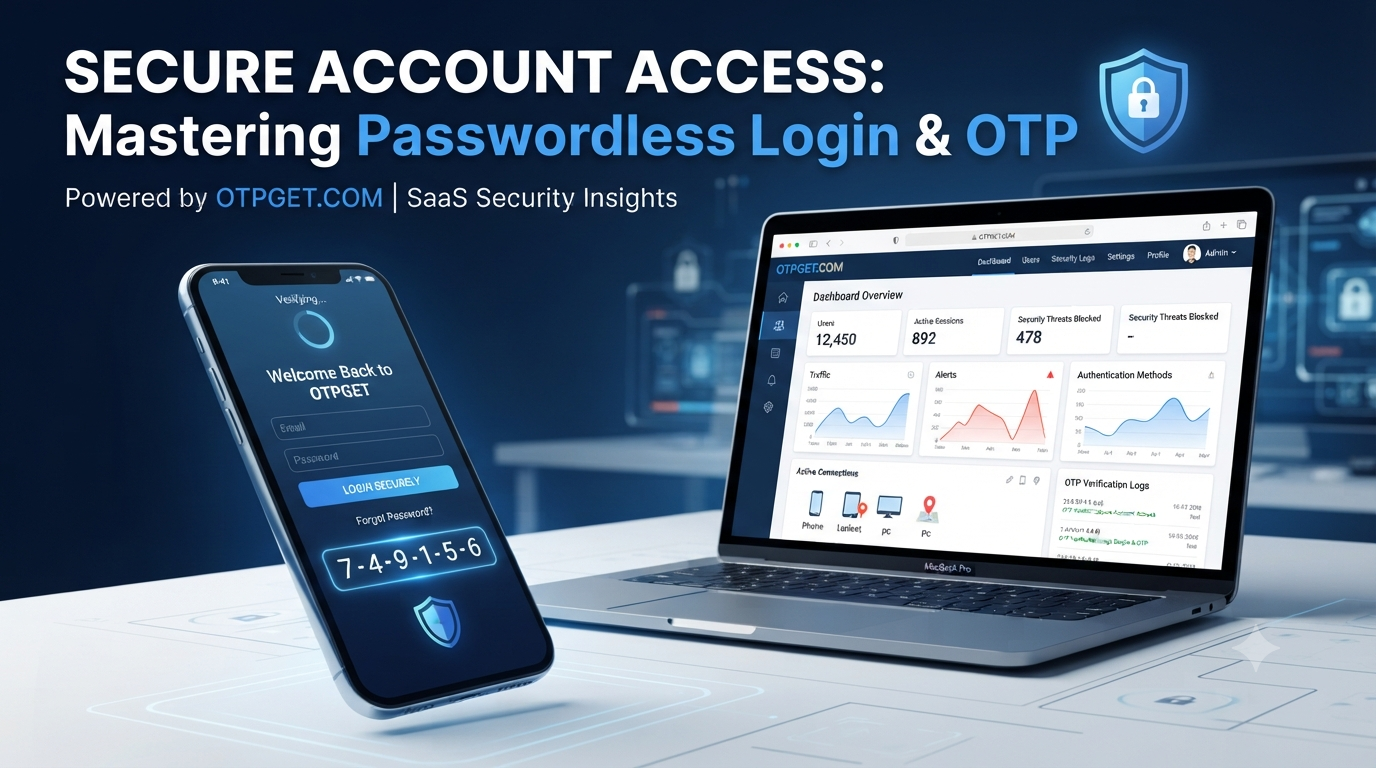
OTPGet Forget Password — How to Reset Login and Secure Account Access
Forgetting a password is one of the most common digital problems users experience. Whether it happens on a business application, online platform, or personal account, being unable to log in can interrupt important tasks and create unnecessary frustration. Users expect a quick recovery process that protects their information while helping them regain access without complicated steps.
A slow or unreliable password recovery system can negatively affect user experience and trust. This is why businesses need a secure and convenient authentication method that makes account recovery easier.
OTPGet Forget Password provides a reliable way to restore login access through secure OTP-based verification. Instead of depending only on traditional recovery methods, OTPGET helps users verify their identity quickly and create a new password with confidence. With fast verification, improved security, and a simple user experience, OTPGET works as an effective solution for modern password recovery and login protection.
What Happens When You Forget Your Password?
When users forget their login credentials, the first challenge is regaining access safely. A forgotten password can create several problems, including:
- Locked accounts after multiple unsuccessful login attempts
- Difficulty accessing important applications or services
- Delayed productivity for users and businesses
- Increased risk of unauthorized account access
- Frustration caused by complicated recovery processes
Traditional password recovery methods often require users to answer security questions, wait for email links, or complete multiple verification steps. Although these methods can provide protection, they may not always deliver the speed and convenience users expect.
Password security is essential, but the recovery process must also be simple. A secure password recovery system should confirm user identity quickly while preventing unauthorized access.
This is where OTP-based authentication improves the experience. By using a verified one-time password, users can complete identity verification without unnecessary delays.
How OTPGet Forget Password Helps Reset Login Access
OTPGet Forget Password simplifies the process of recovering accounts through a secure OTP verification system. OTPGET helps users reset login credentials while maintaining strong security standards.
The main advantages of OTPGET include:
Fast OTP-Based Verification
OTPGET allows users to verify their identity through a unique one-time password. The OTP login reset process reduces waiting time and provides a smoother recovery experience.
Secure Password Recovery
Security is a major concern during account recovery. OTPGET uses OTP authentication to help ensure that only verified users can reset their passwords.
A secure password recovery process reduces the chances of unauthorized account changes and strengthens overall login protection.
Simple User Experience
Users do not want complicated recovery procedures. OTPGET offers a straightforward experience where users can verify their account and regain access with minimal effort.
Reduced Login Issues
A reliable forgot login password solution helps decrease support requests and improves customer satisfaction. Businesses can provide faster assistance without requiring lengthy manual verification.
Better Account Protection
OTPGET supports secure account access by adding an additional verification layer. This helps protect sensitive information and improves confidence in digital services.
How to Reset Login Password Using OTPGET
Resetting a password with OTPGET is designed to be simple and user-friendly. The general process includes the following steps:
Step 1: Open the Login Recovery Option
Start by selecting the forgot password or account recovery option on the login page. This begins the password reset process.
Step 2: Enter Account Details
Provide the required account information, such as a registered email address or phone number. This helps the system identify the correct account.
Step 3: Receive OTP Verification
OTPGET sends a secure account recovery OTP to the registered contact method. This OTP confirms that the person requesting access is the authorized user.
Step 4: Verify OTP
Enter the received OTP into the verification field. Successful OTP verification allows the system to continue with the password reset process.
Step 5: Create a New Password
After verification, create a strong new password. A combination of letters, numbers, and special characters helps improve account security.
Step 6: Access the Account Securely
Once the password is updated, users can log in again with their new credentials and continue using the service securely.
This OTP login reset approach combines convenience with strong identity verification, making password recovery faster and safer.
Why Choose OTPGET for Password Reset and Login Security?
Modern applications require reliable authentication solutions that protect users without creating unnecessary barriers. OTPGET provides businesses with a flexible and effective approach to login security.
Reliable OTP Authentication
OTPGET works as an OTP authentication solution that helps verify users through secure one-time passwords. This reduces dependence on traditional password-only systems.
Faster Recovery Process
Users expect quick solutions when they lose access. OTPGET helps shorten recovery time by providing a direct verification method.
Improved Security
Adding OTP verification creates an extra protection layer. This supports two factor authentication practices and helps prevent unauthorized login attempts.
User-Friendly Experience
A secure system should also be easy to use. OTPGET balances security and simplicity, allowing users to recover accounts without confusion.
Suitable for Businesses and Applications
From SaaS platforms to online services, businesses need a dependable user authentication platform. OTPGET helps applications provide secure login verification and better customer experiences.
Traditional Password Recovery vs OTPGET
| Feature | Traditional Password Recovery | OTPGET Password Reset |
|---|---|---|
| Speed | May require waiting for emails or manual checks | Fast OTP-based verification |
| Security | Depends on password links or security questions | Uses OTP verification for identity confirmation |
| User Convenience | Can involve multiple recovery steps | Simple and user-friendly process |
| Verification Process | Often slower and more complicated | Quick automated OTP system |
The comparison shows why OTP-based recovery methods are becoming an important part of modern digital security strategies.
Best Practices for Secure Password Recovery
Even with advanced authentication systems, users should follow good security habits to protect their accounts.
Create Strong Passwords
Use unique passwords for different accounts. Avoid common words or easily guessed information.
Protect OTP Codes
Never share OTP messages with anyone. A legitimate service will not ask users to provide private verification codes unnecessarily.
Avoid Suspicious Links
Always access account recovery pages through official platforms. Avoid clicking unknown password reset links received through messages or emails.
Maintain Account Security Habits
Regularly review account settings, enable additional security features, and keep recovery information updated.
Following these practices along with a trusted OTP verification service helps create stronger digital protection.
How OTP Verification Improves Modern Login Experiences
Authentication has evolved beyond simple passwords. Users now expect faster and safer ways to access digital services.
OTP verification improves login experiences by adding an additional security layer. It supports:
Two-Factor Authentication
Two factor authentication combines something users know, such as a password, with something they receive, such as an OTP. This makes unauthorized access more difficult.
Secure User Onboarding
Businesses can use OTP verification during registration and account setup to confirm user identity from the beginning.
Fraud Prevention
OTP systems help reduce fraudulent login attempts by requiring additional verification before access is granted.
Customer Trust
When users know their information is protected, they are more likely to trust and continue using a service.
A reliable automated OTP system helps businesses create secure digital experiences while maintaining convenience.
Conclusion
Password problems can quickly become frustrating when users cannot access important accounts. A modern password recovery system must provide both security and simplicity.
OTPGet Forget Password offers an efficient solution for users and businesses that need secure login recovery, OTP verification, and better account protection. With features designed around fast verification, easy recovery, and reliable authentication, OTPGET helps create a safer digital experience.
Choosing OTPGET means choosing a smarter approach to password reset, login verification, and secure account access. For applications that value user trust and security, OTPGET provides the foundation for a reliable authentication experience.