Telegram Login Guide: Verify Your Account with OTPGet
Telegram Login Guide Using OTPGet
Introduction
Logging into Telegram is usually a simple process, but phone verification can sometimes become a frustrating experience. Users may struggle with delayed SMS messages, unavailable numbers, privacy concerns, or limitations when using their personal phone number for account verification.
Telegram uses phone verification to protect accounts and ensure that users have access to the number connected with their profile. While this security system is useful, it can create challenges for people who need a quick, private, and convenient way to receive a Telegram verification code.
This is where OTPGet becomes a practical solution. OTPGet provides an easy way to access OTP services for verification needs, helping users receive Telegram OTP codes without depending only on their personal phone numbers. Whether you need a temporary phone number for Telegram, a virtual number for Telegram, or a simple online OTP receiver, OTPGet offers a smooth verification experience.
This Telegram login guide explains how Telegram verification works, why users face common login issues, and how OTPGet can simplify the entire process.
What Is Telegram Login Verification?
Telegram login verification is a security process that confirms ownership of a phone number before allowing access to an account. When you attempt a Telegram account login, Telegram sends a unique verification code to the registered phone number.
This code, commonly known as a Telegram OTP or Telegram verification code, acts as a temporary password. Only the person who can access the phone number should be able to receive and enter the code.
The purpose of Telegram phone verification is to:
- Protect accounts from unauthorized access
- Confirm user identity during sign up or login
- Reduce fake account creation
- Improve overall account security
When you enter your phone number during Telegram sign up verification or login, Telegram sends an SMS code or may deliver the code through another active Telegram session. After entering the correct OTP, the account becomes accessible.
For many users, this process works smoothly. However, certain situations can make Telegram OTP verification difficult.
Common Problems During Telegram Login
Although Telegram verification is designed to be secure, users can experience several problems during the login process.
Not Receiving Telegram OTP Codes
One of the most common issues is when users do not receive their Telegram verification code. This can happen because of network problems, SMS delays, carrier restrictions, or temporary service interruptions.
When users repeatedly request new codes, the process may become slower and create additional waiting time.
Privacy Concerns With Personal Phone Numbers
Many users prefer not to share their personal phone number for every online service. A personal number can become connected with multiple accounts, making some people uncomfortable from a privacy perspective.
People looking for an anonymous Telegram login option often prefer using a separate verification number instead.
International SMS Limitations
Users in different countries may experience problems receiving international SMS messages. Some mobile providers block certain verification messages, while others may deliver them with delays.
This can make Telegram SMS verification inconvenient when fast access is needed.
Delayed Verification Messages
Even when everything is entered correctly, OTP messages may sometimes arrive late. For users who need immediate access, waiting for a verification code can interrupt the login process.
A reliable OTP service can help reduce these challenges by providing a more convenient way to receive verification messages.
What Is OTPGet and How Does It Help?
OTPGet is an OTP service designed to help users receive verification codes for online platforms, including Telegram. It provides access to temporary or virtual numbers that can be used for SMS verification needs.
Instead of relying only on a personal phone number, users can use OTPGet to receive Telegram OTP codes through a convenient verification process.
OTPGet helps users by providing:
- Fast OTP delivery
- Easy verification process
- Privacy protection
- Convenient access
- Reliable SMS receiving solution
For users searching for how to login Telegram without personal number, OTPGet offers a practical alternative by providing access to verification numbers that can receive SMS codes.
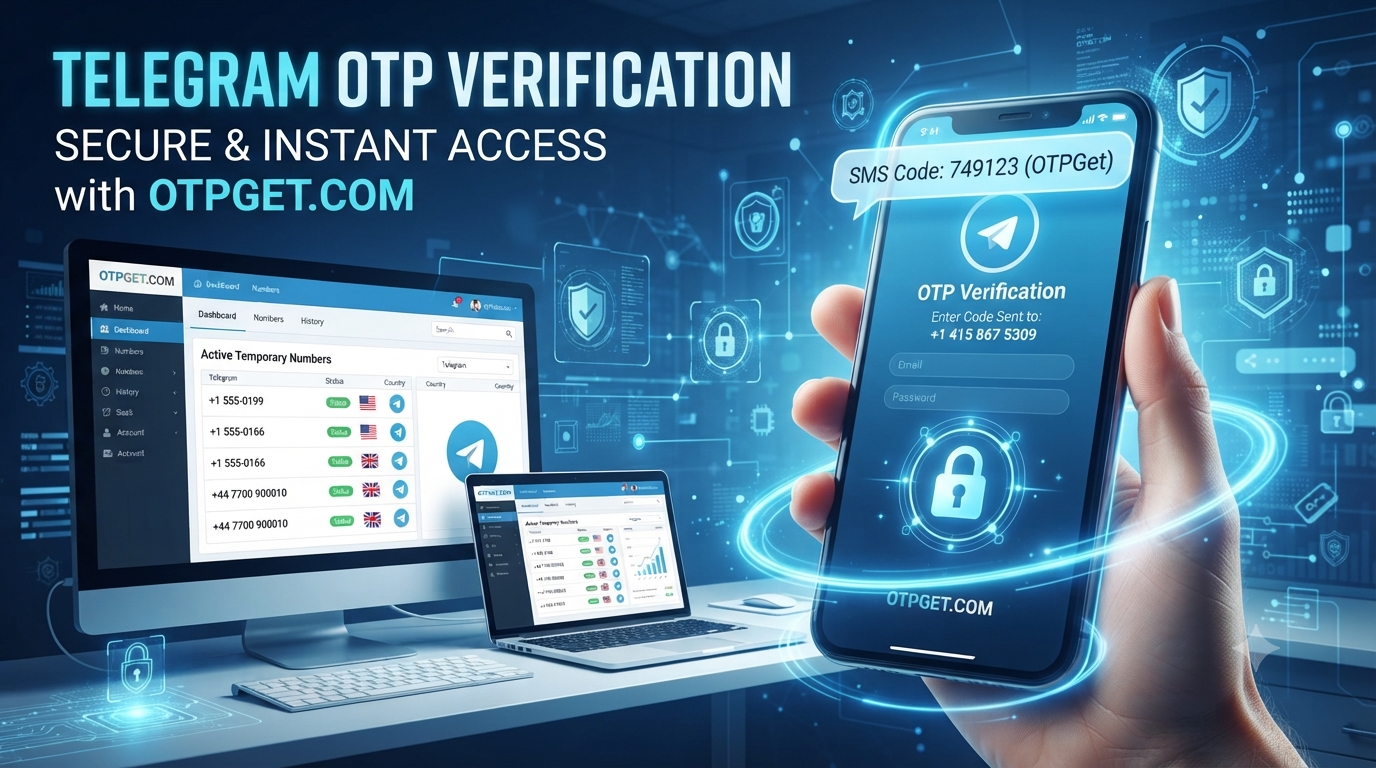
The process is designed to be simple. Users select an available number, use it for Telegram phone verification, receive the OTP, and complete the login process.
OTPGet is especially useful for:
- Users who want additional privacy
- Developers testing account workflows
- Marketers managing multiple online activities
- People who need temporary verification access
- Users facing SMS delivery problems
How to Login Telegram Using OTPGet
Using OTPGet for Telegram verification is straightforward. Follow these steps to complete your Telegram account login.
Step 1: Choose OTPGet as Your OTP Solution
Start by selecting OTPGet as your preferred OTP service. The platform provides access to verification numbers that can help you receive Telegram SMS verification codes.
Choose a number that matches your requirements and is available for verification.
Step 2: Select a Suitable Temporary or Virtual Number
Select a temporary phone number for Telegram or a virtual number option provided by OTPGet.
A separate verification number can help keep your personal phone number private while allowing you to complete the Telegram login process.
Step 3: Enter the Number on Telegram
Open Telegram and enter the selected OTPGet number during the login or sign up process.
Make sure the number is entered correctly to avoid delays or failed verification attempts.
Step 4: Receive the Telegram Verification Code
Return to OTPGet and wait for the incoming SMS message containing your Telegram verification code.
The OTP will appear once Telegram sends the verification request.
Step 5: Complete Telegram Login Verification
Enter the received code into Telegram. Once the code is accepted, your account verification will be completed.
This simple process allows users to access Telegram without depending completely on their personal mobile number.
Why Use OTPGet for Telegram Verification?
Traditional phone verification methods are not always convenient. OTPGet provides several advantages for users who need a smoother Telegram login experience.
Privacy Advantages
Many users prefer separating their personal identity from online registrations. Using a dedicated verification number can add an extra layer of privacy.
OTPGet helps users who want a more privacy-focused approach to Telegram account verification.
Convenience
Managing multiple verification needs can be difficult when relying on a single personal number. OTPGet provides an easier way to access SMS verification services whenever needed.
Accessibility
Users who experience carrier restrictions or SMS delivery problems can benefit from having another option for receiving Telegram OTP messages.
Faster Verification
A reliable OTP receiving platform helps reduce delays and makes the verification process more efficient.
User-Friendly Experience
OTPGet focuses on simplicity. Users do not need complicated technical knowledge to receive verification codes and complete Telegram login verification.
Telegram Login Without Using Your Personal Number
Many people search for ways to complete Telegram login without using their personal number. Privacy is one of the main reasons behind this interest.
OTPGet helps users access Telegram verification through alternative numbers, allowing them to avoid sharing their primary phone number when appropriate.
Using a temporary phone number for Telegram can be useful for specific situations, such as testing, managing separate accounts, or maintaining additional privacy.
However, users should always follow Telegram’s rules and use verification services responsibly. Protecting account credentials and using secure login practices remain important.
Tips for Successful Telegram OTP Verification
To make Telegram OTP verification easier, follow these practical tips:
- Check number availability before starting the verification process.
- Enter the phone number carefully to avoid mistakes.
- Wait for the OTP delivery instead of requesting multiple codes quickly.
- Avoid repeated verification attempts that may trigger temporary restrictions.
- Keep your Telegram account protected with additional security settings.
- Use a trusted OTP service like OTPGet for reliable verification access.
These simple steps can help prevent common issues such as the Telegram code not received problem.
Why OTPGet Is a Smart Choice for Telegram Users
Choosing the right OTP service can make the difference between a frustrating verification experience and a smooth login process.
OTPGet provides a reliable solution for users who need Telegram verification online. Its simple workflow, convenient number access, and privacy-focused approach make it a useful option for different types of users.
Whether you need to receive Telegram OTP codes, complete Telegram sign up verification, or access a secure Telegram login method, OTPGet provides a practical experience.
The key benefits include:
- Reliable OTP receiving
- Simple verification steps
- Privacy-focused number options
- Convenient SMS access
- Support for different user needs
For anyone searching for the best OTP service for Telegram, OTPGet offers an efficient and user-friendly approach to receiving verification codes.
Frequently Asked Questions (FAQ)
1. How can I receive Telegram OTP online?
You can receive Telegram OTP online by using an OTP service like OTPGet. Select an available verification number, use it during Telegram login, and receive the code through the OTP receiving platform.
2. Can I use OTPGet for Telegram verification?
Yes, OTPGet can be used as a convenient solution for Telegram verification by providing access to numbers that can receive verification messages.
3. Why am I not receiving my Telegram verification code?
Telegram codes may be delayed because of network issues, carrier restrictions, incorrect numbers, or repeated verification requests. Using a reliable OTP receiving service can help improve the experience.
4. Is a temporary number useful for Telegram login?
A temporary phone number for Telegram can be useful for users who want additional privacy, need separate verification access, or do not want to use their primary number.
5. How does OTPGet protect user privacy?
OTPGet helps users maintain privacy by allowing them to use alternative verification numbers instead of always relying on their personal phone numbers.
6. Can I verify Telegram without my personal number?
Yes, users can use a suitable virtual number for Telegram verification instead of their primary phone number, depending on availability and account requirements.
7. What makes OTPGet different from other OTP services?
OTPGet focuses on providing a simple, reliable, and convenient verification experience with easy access to OTP receiving solutions.
Conclusion
Telegram login verification is an important security step, but receiving OTP codes should not become a difficult process. Problems such as delayed SMS, privacy concerns, and phone number limitations can make account verification challenging.
OTPGet provides a practical solution for users who need a convenient way to receive Telegram verification codes. With reliable OTP receiving, easy steps, and privacy-focused options, OTPGet makes Telegram account verification simpler.
Whether you are looking for a temporary phone number for Telegram, a secure Telegram login option, or a dependable OTP service, OTPGet can help you complete verification with confidence.