WhatsApp Number Change Guide — Easy OTP Verification With OTPGet
WhatsApp Number Change Guide — OTPGet
Introduction
Changing a phone number on WhatsApp may seem like a simple task, but many users face challenges when they try to move their account to a new number. Whether you are replacing an old SIM card, switching countries, improving privacy, or updating business communication details, the process requires careful verification.
One of the most important steps during a WhatsApp number change is receiving the WhatsApp verification code. Without successful verification, users may experience delays, account access issues, or unnecessary complications.
This is where OTPGet provides a convenient solution. OTPGet helps users access OTP verification codes through reliable online OTP solutions, making verification processes smoother and more accessible. For users who need secure OTP receiving options, OTPGet offers a practical way to simplify verification challenges.
In this WhatsApp Number Change Guide, we will explain how to change WhatsApp number, understand the WhatsApp number change process, avoid common verification problems, and explore how OTPGet can support easier WhatsApp account verification.
Why People Need to Change Their WhatsApp Number
There are many reasons why someone may need to update their WhatsApp number. A phone number is often connected to personal conversations, business contacts, and important communication, so moving to a new number should be handled carefully.
Changing SIM Cards
Many users change their SIM cards because they switch mobile providers, upgrade devices, or need a different phone plan. When a new number replaces the old one, updating WhatsApp ensures that contacts can continue reaching the correct account.
Moving to a New Number
Sometimes people simply want a new phone number for personal reasons. Instead of creating an entirely new WhatsApp account, the change WhatsApp number feature allows users to move their existing account information to a different number.
Protecting Privacy
Some users change their numbers to improve WhatsApp privacy and security. A new number can help reduce unwanted messages, separate personal and professional communication, or create better control over who can contact them.
Business Communication Changes
Businesses often update phone numbers when teams change, customer support channels expand, or a dedicated communication line is introduced. Keeping WhatsApp details updated helps businesses maintain smooth customer interactions.
How to Change WhatsApp Number Step by Step
The WhatsApp number change process is designed to be simple for beginners. Before starting, make sure you have access to your current WhatsApp account and can receive verification on the new number.
Follow these steps:
Step 1: Open WhatsApp Settings
Open WhatsApp on your phone and go to the settings menu. Select the account section where you will find the option to update your phone number.
Step 2: Choose Change Number
Select the “Change Number” option. WhatsApp will explain that your account information, groups, and settings can be transferred to the new number.
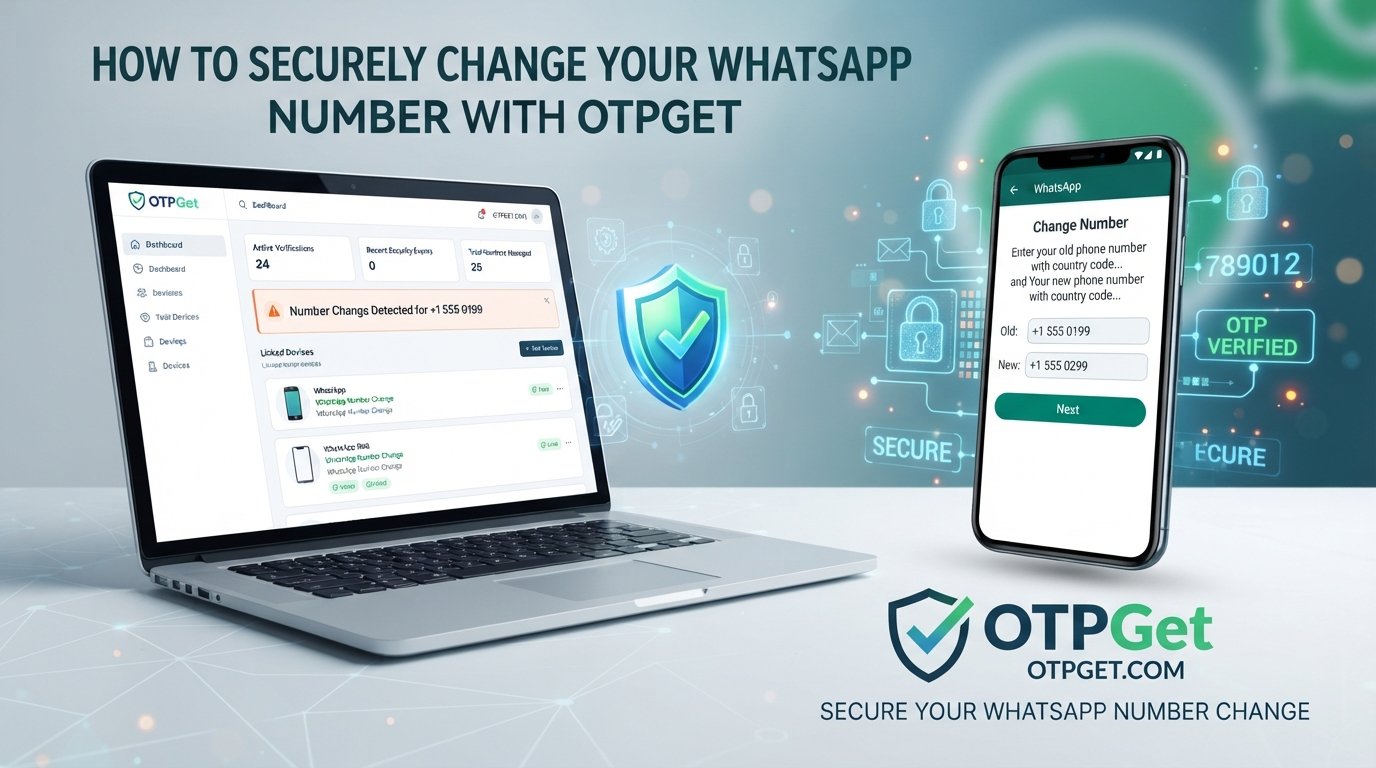
Step 3: Enter Your Current and New Numbers
Add your existing WhatsApp number and then enter the new phone number you want to connect with your account.
Make sure both numbers are entered correctly to avoid verification problems.
Step 4: Verify Your New Number
WhatsApp will send a WhatsApp verification code to confirm ownership of the new number. Enter the code when requested.
If you experience difficulties receiving the code, an OTP verification service like OTPGet can help provide a convenient verification option.
Step 5: Complete the Update
After successful verification, your WhatsApp account will be connected to your new number. Your account details and conversations can continue based on your backup and account settings.
Problems Users Face During WhatsApp Number Verification
Although changing a WhatsApp number is usually straightforward, users may encounter several common issues.
OTP Delays
One of the most frustrating problems is waiting for the WhatsApp verification code. Network problems, overloaded services, or carrier delays can prevent users from receiving the code quickly.
Unavailable Numbers
Some users may not have immediate access to a new SIM card or may be using numbers that are difficult to verify. This can interrupt the WhatsApp new number verification process.
Privacy Concerns
Sharing personal phone numbers online can create privacy concerns. Many users prefer alternatives that provide better control over their information while completing online verification.
SIM-Related Issues
Lost SIM cards, damaged cards, inactive numbers, or international roaming limitations can make traditional verification difficult.
International Verification Challenges
Users traveling or managing accounts across different countries may face additional challenges with SMS delivery, mobile networks, and number availability.
These situations create a need for flexible solutions that make OTP verification easier.
What Is OTPGet and How Does It Help?
OTPGet is an online OTP solution designed to simplify verification processes by helping users receive OTP verification codes conveniently. Instead of depending only on traditional SIM-based verification methods, users can access a more flexible approach for online verification needs.
For WhatsApp verification, OTPGet can be useful for users who need a virtual phone number for WhatsApp-related verification processes or require a convenient method to receive SMS online.
The platform focuses on making verification easier through:
- Simple access to OTP services
- Convenient online verification options
- Improved privacy control
- Faster access to verification codes
- A smoother user experience
Many online platforms require phone verification before allowing account access. OTPGet works as an accessible SMS verification platform that helps users manage these verification requirements more efficiently.
For individuals and businesses, having a reliable OTP verification service can reduce the frustration caused by missing messages, unavailable numbers, or complicated verification steps.
Why Choose OTPGet for WhatsApp OTP Verification?
Choosing the right verification method can make the account setup and number change experience much easier. OTPGet provides several advantages for users looking for reliable OTP receiving solutions.
Fast OTP Delivery
Waiting for verification messages can slow down important tasks. OTPGet focuses on providing a convenient way to access OTP codes when users need them.
Easy Access
Users can manage verification needs online without depending entirely on physical SIM cards. This makes the process more flexible and user-friendly.
Reliable Verification Solution
A dependable OTP solution helps reduce interruptions during account verification. OTPGet supports users who need a practical method for handling verification requirements.
Better Privacy Protection
Using online OTP services can provide additional privacy benefits by reducing the need to share personal phone numbers in every situation.
Convenient Online OTP Receiving
The ability to receive SMS online gives users more flexibility when managing different verification processes.
Suitable for Personal and Business Users
Whether you are managing personal accounts or business communication channels, OTPGet provides a convenient verification option for different user needs.
OTPGet vs Traditional Phone Number Verification
Traditional phone number verification usually depends on a personal SIM card and mobile network availability. While this method works for many users, it can create challenges when numbers are unavailable or messages are delayed.
| Traditional Verification | OTPGet Solution |
|---|---|
| Requires access to a physical SIM | Provides online verification options |
| May experience SMS delays | Designed for convenient OTP access |
| Personal number may need to be shared | Offers additional privacy flexibility |
| Can be difficult during travel | More accessible online approach |
| Limited number availability | Easier management of verification needs |
OTPGet provides a modern approach for users who want a simpler and more flexible way to handle online phone number service requirements.
Tips for Safe WhatsApp Number Changes
Changing a WhatsApp number should always be done carefully. Follow these safety tips:
- Always verify that you are entering the correct new number.
- Never share your WhatsApp verification code with anyone.
- Use trusted OTP services instead of unreliable sources.
- Enable additional account security features whenever available.
- Avoid websites that promise verification codes without clear security practices.
- Keep your account information updated and protected.
Protecting your verification details is an important part of maintaining WhatsApp privacy and security.
Frequently Asked Questions (FAQ)
How do I change my WhatsApp number?
You can change your WhatsApp number by opening Settings, selecting Account, choosing Change Number, entering your old and new numbers, and completing verification with the WhatsApp verification code.
Can I receive WhatsApp OTP online?
Yes, online OTP solutions can help users access verification codes through online phone number services. OTPGet provides convenient options for users who need secure OTP receiving methods.
What is OTPGet used for?
OTPGet is used to simplify OTP verification processes by helping users receive verification codes for different online services that require phone verification.
Is OTP verification safe?
OTP verification is generally secure when users protect their codes and use trusted verification services. Never share OTP codes with unknown individuals.
Can OTPGet help with WhatsApp verification?
OTPGet can help users who need convenient OTP receiving options during verification processes, including situations where traditional SMS access may be difficult.
What is a temporary phone number?
A temporary phone number is a number used for short-term verification purposes. It can provide flexibility when users do not want to use their personal number for certain online verification needs.
Why do businesses use OTP verification services?
Businesses use OTP verification services to improve account security, simplify customer onboarding, and provide smoother verification experiences.
Conclusion
Changing a WhatsApp number does not have to be a complicated process. By understanding the WhatsApp number change process and preparing for possible verification challenges, users can update their accounts smoothly.
The biggest challenge is often receiving the WhatsApp verification code at the right time. This is why reliable solutions like OTPGet are becoming valuable for users who need convenient, secure, and flexible verification options.
Whether you are updating a personal account, managing business communication, or looking for easier online verification, OTPGet provides a practical OTP solution designed for modern digital needs.
Make your verification experience simpler, safer, and more convenient with OTPGet.