WhatsApp Signup Without SIM: Get Verified Easily with OTPGET
WhatsApp Signup Without SIM — OTPGET Guide
Introduction
Your phone number is one of the most important parts of creating a WhatsApp account. However, many users hesitate to share their personal number because of privacy concerns, unwanted messages, business limitations, or the need to manage multiple accounts.
This is why the demand for WhatsApp Signup Without SIM solutions continues to grow. People want a simple way to verify WhatsApp without exposing their personal phone numbers or depending on a physical SIM card.
OTPGET provides a practical solution for users who need a secure and convenient way to complete WhatsApp verification. With OTPGET, users can access virtual numbers and receive verification codes online without relying on their personal SIM card.
Whether you are a privacy-conscious individual, a business owner, a marketer, or someone managing multiple accounts, OTPGET offers an easier approach to online OTP verification and WhatsApp account creation.
Can You Create a WhatsApp Account Without a SIM Card?
Yes, it is possible to create a WhatsApp account without using your personal SIM card by using a virtual number service that supports OTP verification.
Traditional WhatsApp registration requires a phone number that can receive a verification code. While many people use their personal mobile numbers, others prefer alternatives that provide more privacy and flexibility.
A virtual number for WhatsApp signup works as an online phone number that can receive SMS verification codes. Instead of inserting a physical SIM into a device, users can access the required OTP through an online platform.
This approach is useful for people who want a WhatsApp account without SIM card while keeping their personal contact information separate.
OTPGET simplifies this process by providing access to online numbers designed for verification purposes. Users can receive WhatsApp OTP online and complete their signup process more conveniently.
Why People Look for WhatsApp Signup Without SIM
Many users search for WhatsApp without phone number solutions because they want greater control over their digital identity. Several common reasons include:
Privacy Concerns
Sharing a personal phone number online can sometimes lead to unwanted calls, messages, or exposure of private information. A private WhatsApp signup method allows users to keep their main number separate from additional accounts.
Avoiding Personal Number Exposure
Not every online activity requires access to a personal phone number. Using a temporary phone number for WhatsApp helps users maintain a layer of privacy while completing verification.
Business Usage
Businesses, freelancers, and marketers often need separate WhatsApp accounts for customer communication, campaigns, and support. A virtual number can make account management easier without requiring additional physical SIM cards.
Managing Multiple Accounts
Some users need multiple WhatsApp accounts for different purposes, such as personal communication, business operations, testing, or marketing activities. Online verification services provide a convenient alternative to purchasing and managing several SIM cards.
Convenience
Physical SIM cards can be difficult to manage, especially for users who work internationally or require temporary verification. Online OTP services provide faster access without the need for additional hardware.
How OTPGET Makes WhatsApp Verification Easier
OTPGET is designed to make digital verification simple, accessible, and efficient. Instead of depending on a personal mobile number, users can use an online virtual number service to receive verification messages.
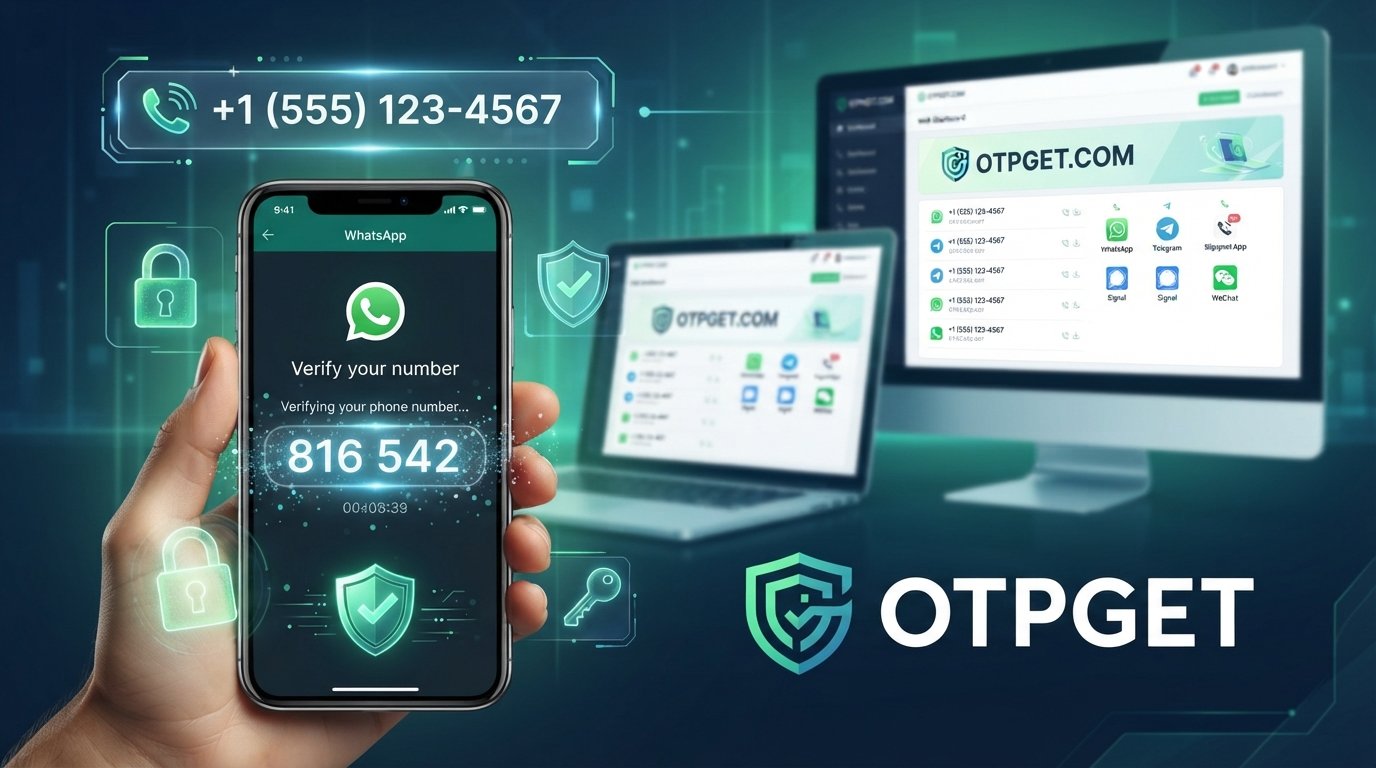
The general process works by providing users with a suitable virtual number that can be used during WhatsApp registration. Once WhatsApp sends the verification code, OTPGET helps users access the OTP online.
The process includes:
- Selecting an available virtual number
- Using the number during WhatsApp signup
- Receiving the verification code through OTPGET
- Completing the verification process
With OTPGET, users can get WhatsApp verification code online without managing additional SIM cards. This makes account creation faster and more convenient.
As an online OTP verification service, OTPGET focuses on providing a smooth user experience for people who need quick and practical verification access.
Benefits of Using OTPGET for WhatsApp Signup
Choosing OTPGET for WhatsApp verification provides several advantages:
No Need for a Physical SIM
Users can complete verification without purchasing or maintaining another SIM card. This makes the process simpler and reduces unnecessary management.
Better Privacy
OTPGET helps users avoid sharing their personal phone number when creating additional accounts. This is especially useful for users who value privacy.
Quick OTP Delivery
Fast access to verification codes helps users complete signup without unnecessary delays.
Easy Access
OTPGET provides a straightforward process that does not require advanced technical knowledge. Users can quickly access the tools needed for verification.
Suitable for Different Users
From individuals to businesses, many users can benefit from a flexible OTP solution. Whether creating a separate account or managing online activities, OTPGET provides a practical option.
Reliable Verification Solution
A trusted OTP platform helps users complete verification tasks more efficiently while keeping their personal information separate.
Step-by-Step Guide: WhatsApp Signup Without SIM Using OTPGET
Creating a WhatsApp account without using your personal SIM card can be completed through a simple process with OTPGET.
Step 1: Access OTPGET
Visit OTPGET and explore the available online verification options. Select the service that fits your WhatsApp verification needs.
Step 2: Select a Suitable Virtual Number
Choose an available virtual number that can receive verification messages. This number will be used during the WhatsApp registration process.
Step 3: Use the Number for WhatsApp Signup
Open WhatsApp and enter the selected virtual number during the account creation process.
Step 4: Receive OTP Verification Code
Wait for WhatsApp to send the verification code. Access the incoming OTP through OTPGET.
Step 5: Complete WhatsApp Verification
Enter the received code into WhatsApp to finish the signup process.
This method provides a simple way to create WhatsApp account without SIM while keeping your personal number separate.
OTPGET vs Traditional SIM-Based Verification
| Feature | OTPGET | Traditional SIM Verification |
|---|---|---|
| Privacy | Keeps personal number separate | Requires sharing personal number |
| Convenience | Access numbers online | Requires physical SIM management |
| Speed | Quick online OTP access | Depends on SIM availability |
| Accessibility | Available through online services | Limited by physical location |
| Number Management | Easier for multiple accounts | Requires multiple SIM cards |
For users who need flexibility, OTPGET provides a modern alternative to personal phone number verification.
Is Using OTPGET Safe for WhatsApp Verification?
Safety depends on choosing a reliable and responsible OTP service. Using a trusted platform like OTPGET helps users access verification services more conveniently while maintaining better privacy control.
A secure OTP platform should focus on:
- Protecting user privacy
- Providing reliable OTP access
- Maintaining a simple verification process
- Supporting responsible account creation
Users should always follow WhatsApp guidelines and use verification services responsibly. OTPGET is designed to support legitimate verification needs while helping users avoid unnecessary exposure of personal numbers.
Who Can Benefit From OTPGET?
OTPGET can be useful for a wide range of users who need flexible verification options.
Individuals
People who want an additional WhatsApp account without connecting it to their personal number can use OTPGET for easier verification.
Entrepreneurs
Business owners can create separate communication channels for customers, teams, and operations.
Digital Marketers
Marketers managing campaigns or online projects may need additional accounts for different activities.
Businesses
Companies can benefit from organized account management without depending on multiple physical SIM cards.
Remote Teams
Distributed teams can use flexible verification solutions when managing communication accounts.
Users Managing Multiple Accounts
Anyone requiring multiple verified accounts can benefit from a convenient online verification method.
Why OTPGET Is the Smart Choice for Online OTP Verification
Finding a reliable verification solution can be challenging when users need privacy, speed, and convenience at the same time. OTPGET combines these important features into one practical platform.
Unlike traditional methods that require additional SIM cards, OTPGET provides a simpler way to access virtual numbers and receive verification codes online.
The platform is useful for users who want:
- A convenient alternative to personal phone number verification
- A reliable way to receive WhatsApp OTP online
- Better privacy during account creation
- Easy access to temporary verification numbers
- A professional online virtual number service
OTPGET helps remove the complexity of managing extra phone numbers while providing a smoother signup experience.
For individuals and businesses looking for a flexible verification option, OTPGET is a smart choice for modern online communication needs.
Conclusion
The demand for WhatsApp Signup Without SIM options continues to increase as more users look for privacy, convenience, and flexibility. Creating accounts without depending on a personal SIM card can make digital communication easier and more manageable.
OTPGET provides a practical solution by offering access to virtual numbers, online OTP verification, and a simple way to complete WhatsApp verification without exposing your personal number.
Whether you need a separate account, business communication channel, or a private signup method, OTPGET helps you complete the process with greater convenience.
Try OTPGET today and experience an easier way to complete WhatsApp signup without SIM while keeping your verification process simple and efficient.
Internal linking suggestions:
- Link “online OTP verification service” to an OTPGET service page.
- Link “virtual number for WhatsApp signup” to a guide explaining virtual numbers.
- Link “WhatsApp verification without SIM” to related privacy and account management articles.
- Link “secure OTP platform” to an OTPGET security or FAQ page.