Create Anonymous WhatsApp Account Easily Using OTPGET
How to Create an Anonymous WhatsApp Account
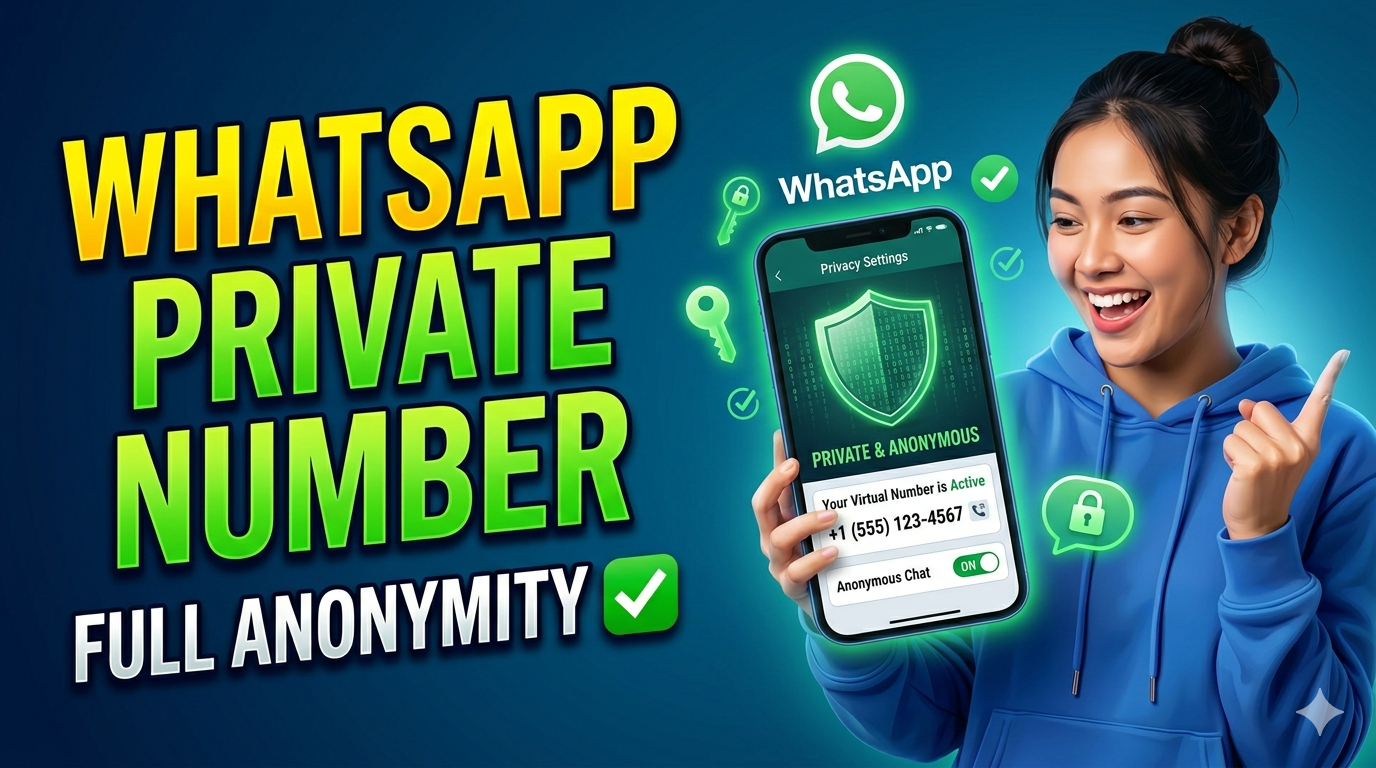
WhatsApp has become a central part of our daily communication, connecting friends, family, and colleagues instantly. However, using your personal phone number for WhatsApp exposes you to privacy risks, unwanted contacts, and data leaks. What if there was a way to enjoy WhatsApp’s convenience without revealing your real number? That’s where OTPGET comes in—a simple solution to create a WhatsApp account anonymously.
In this guide, you’ll learn why creating an anonymous WhatsApp account is important, the problems with using your personal number, and how OTPGET can help you stay secure and private. By the end, you’ll be ready to enjoy WhatsApp without a phone number safely.
Why People Want an Anonymous WhatsApp Account
Privacy is becoming more important every day. Many people are searching for ways to communicate without linking their conversations to their personal phone numbers. Here’s why:
- Protect Personal Data: Sharing your main number online can lead to spam, scams, and even identity theft.
- Separate Work and Personal Life: Using a personal number for public groups, marketplaces, or business contacts can blur boundaries.
- Maintain Anonymity: For social experiments, online dating, or private group discussions, anonymity is key.
- Avoid Unwanted Contacts: Once your number is public, anyone can message or call you, even strangers.
Creating a WhatsApp account anonymously allows you to enjoy all messaging features without sacrificing privacy.
The Problems With Using Your Personal Number
Using your personal number for WhatsApp might seem convenient, but it comes with several issues:
- Exposure to Hackers: Your number is tied to your identity. If compromised, hackers could access other linked accounts.
- Spam and Unsolicited Messages: Publicly sharing your number invites unwanted messages, calls, or even phishing attempts.
- Difficulty in Managing Multiple Accounts: Running multiple WhatsApp accounts on one device is tricky without separate numbers.
- Privacy Concerns: Personal contacts, profile pictures, and status updates become vulnerable to strangers.
Clearly, relying on your personal number is risky. Luckily, there’s an easier solution—OTPGET.
How OTPGET Solves the Problem
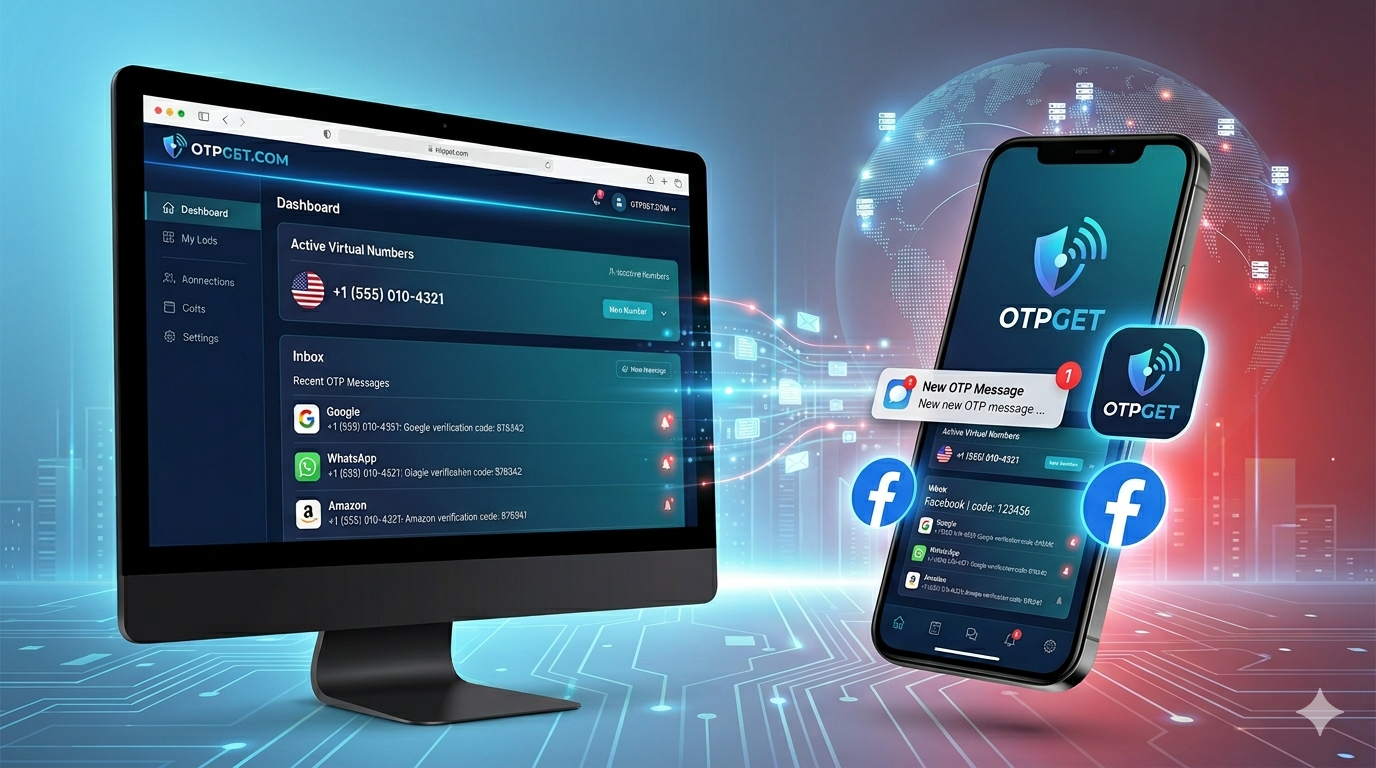
OTPGET is an online service that provides temporary phone numbers for WhatsApp verification. It allows users to receive OTPs online and verify WhatsApp accounts without using a personal SIM card. Here’s why OTPGET stands out:
- No Personal Number Needed: Stay completely anonymous while registering WhatsApp.
- Instant OTP Delivery: Receive verification codes in seconds for a smooth setup.
- Multiple Numbers Available: Create multiple WhatsApp accounts easily without linking your real phone.
- Virtual Number Support: Works seamlessly with WhatsApp verification, making the process quick and reliable.
With OTPGET, you can create WhatsApp anonymously and enjoy all the benefits without compromising your personal information.
Step-by-Step Guide: Create an Anonymous WhatsApp Account Using OTPGET
Follow these simple steps to set up your anonymous WhatsApp account:
Step 1: Visit OTPGET
Go to the OTPGET website and browse available temporary phone numbers for WhatsApp. Choose one that suits your location or preference.
Step 2: Copy the Virtual Number
Select a virtual number and copy it. This will act as your WhatsApp registration number.
Step 3: Download WhatsApp
If you haven’t installed WhatsApp yet, download it from your app store. Open the app and proceed to create a new account.
Step 4: Enter the Virtual Number
Instead of your personal number, paste the OTPGET number. WhatsApp will send a verification code to this number.
Step 5: Retrieve OTP
Go back to OTPGET, and check the inbox for the received OTP. Copy the code.
Step 6: Complete Verification
Paste the OTP in WhatsApp, complete the verification process, and start customizing your profile.
Step 7: Enjoy Anonymous WhatsApp
Your account is now active and fully functional. You can chat, join groups, and share media without revealing your real number.
Tips to Stay Completely Anonymous on WhatsApp
While OTPGET ensures anonymity during account creation, these tips help maintain privacy while using WhatsApp:
- Use a Unique Display Name: Avoid using your real name or identifiable details.
- Disable Profile Picture Visibility: Limit your profile photo to contacts only.
- Restrict Last Seen and Status: Change privacy settings to “Nobody” for added anonymity.
- Avoid Linking Other Accounts: Don’t link Facebook or email to this anonymous account.
- Use Disappearing Messages: Enhance privacy for sensitive conversations.
Following these strategies ensures your WhatsApp account remains anonymous and secure.
Advantages of Using OTPGET Over Other Methods
There are several ways to get a temporary number for WhatsApp, but OTPGET is superior:
| Feature | OTPGET | Other Methods |
|---|---|---|
| Instant OTP Delivery | ✅ Yes | ❌ Often delayed |
| Multiple Virtual Numbers | ✅ Yes | ❌ Limited |
| No Personal SIM Needed | ✅ Yes | ❌ Usually required |
| Easy to Use | ✅ Very simple | ❌ Complicated setup |
| Reliable WhatsApp Verification | ✅ High success | ❌ Frequent failures |
With OTPGET, you avoid the hassle and risks associated with fake apps, disposable SIM cards, or unreliable online services.
Common Mistakes to Avoid
Even with OTPGET, some users make mistakes that compromise anonymity:
- Sharing Your Real Number: Avoid linking your main phone to the anonymous account.
- Using Personal Photos: Even one identifiable image can reveal your identity.
- Logging in on Multiple Devices: If your personal device is linked to the account, it may compromise anonymity.
- Ignoring Privacy Settings: Leaving default settings can expose your information to strangers.
By avoiding these mistakes, your anonymous WhatsApp account will remain fully private.
Conclusion
Creating an anonymous WhatsApp account is easier than ever with OTPGET. From protecting personal information to maintaining privacy in groups and conversations, OTPGET ensures you enjoy WhatsApp without a phone number. By following the step-by-step guide and applying privacy tips, you can safely chat online, stay anonymous, and avoid unnecessary risks.
Don’t wait—experience secure, anonymous WhatsApp today with OTPGET!
Start creating your anonymous WhatsApp account now and protect your privacy.
FAQs
1. Can I use OTPGET for multiple WhatsApp accounts?
Yes! OTPGET allows you to create several accounts without using personal numbers.
2. Is OTPGET free to use?
Yes, OTPGET provides free virtual numbers, with options for premium features.
3. Will WhatsApp block OTPGET numbers?
No. OTPGET numbers are reliable and specifically designed for WhatsApp verification.
4. Can I recover my anonymous account if I lose access?
Recovery is possible if you keep access to the OTPGET number used for registration.
5. Are my chats secure on an anonymous account?
Yes, all WhatsApp chats remain encrypted, just like regular accounts, while your number stays private.