How to Get a WhatsApp Georgia Virtual Number Easily with OTPGET
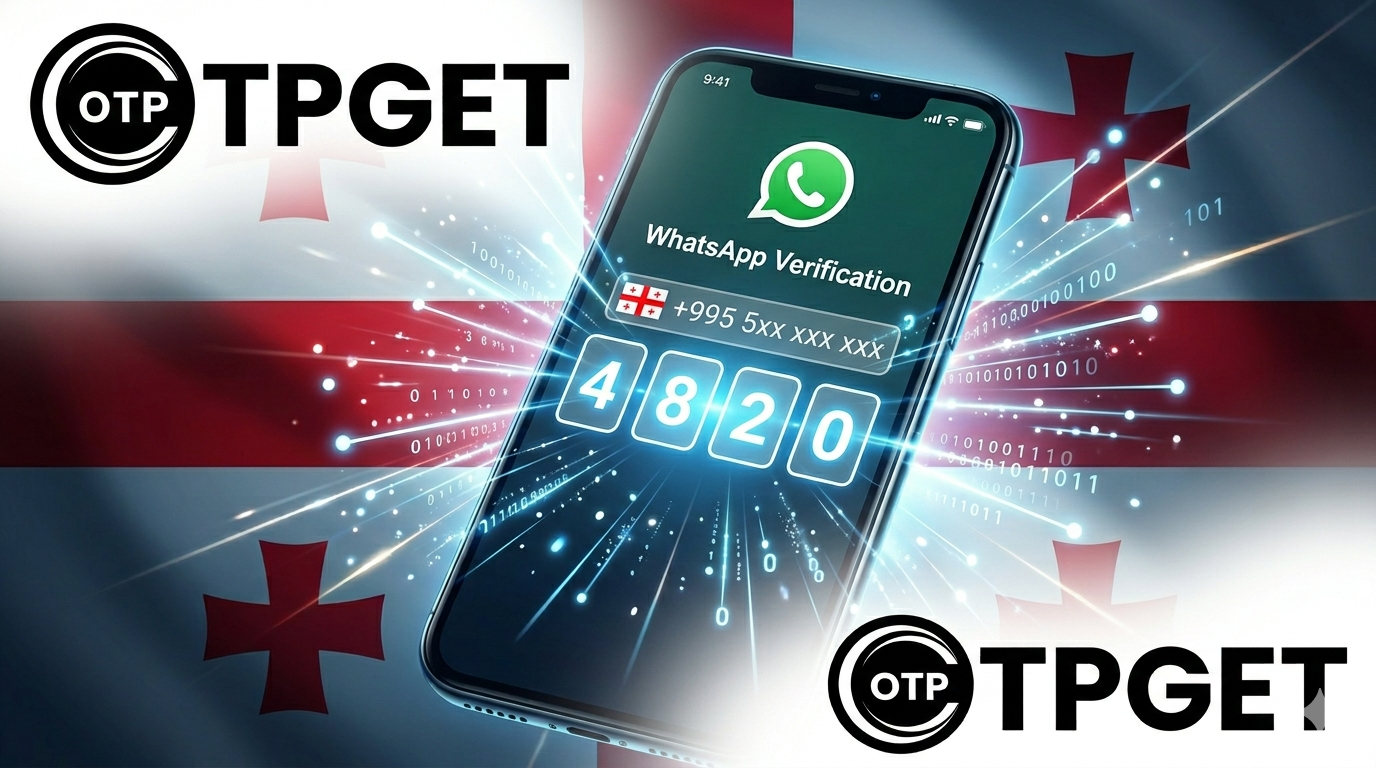
How to Get a WhatsApp Georgia Virtual Number
Introduction
Trying to sign up for WhatsApp but don’t want to use your personal number? Or maybe you need a Georgia-based number for business, regional access, or privacy reasons? You’re not alone—this is a common challenge for users who want flexibility without compromising their personal data.
WhatsApp requires phone number verification, and that’s where things get tricky. Not everyone has access to a Georgia SIM card, and even if they do, using a personal number can expose sensitive information. That’s exactly why virtual numbers have become the go-to solution.
This is where OTPGET steps in as the easiest and most reliable way to get a WhatsApp Georgia virtual number in minutes. No complicated setup, no unnecessary steps—just fast, secure access to a working number ready for verification.
Let’s break it down and show you exactly how it works.
What is a WhatsApp Georgia Virtual Number?
Understanding Virtual Numbers
A virtual number is a phone number that doesn’t require a physical SIM card. Instead, it operates over the internet, allowing you to receive SMS messages—including OTP (One-Time Password) codes—through an online platform like OTPGET.
Think of it like a digital phone line. You don’t need a device, a carrier plan, or even a location in the country. You simply select a number, use it, and receive verification messages instantly.
These numbers are especially useful for platforms like WhatsApp, where SMS verification is mandatory.
Why Choose a Georgia Number for WhatsApp?
You might be wondering—why specifically a Georgia virtual number?
There are several practical reasons:
- Access region-specific services or audiences
- Maintain a local presence for business or communication
- Avoid restrictions tied to other regions
- Separate personal and professional accounts
For many users, having a Georgia number adds an extra layer of flexibility. It allows you to operate in a different digital region without physically being there.
Virtual Number vs Personal SIM
Using your personal SIM for WhatsApp might seem convenient, but it comes with drawbacks. You expose your real number, risk spam, and limit your ability to manage multiple accounts.
A virtual number, on the other hand:
- Keeps your identity private
- Allows multiple registrations
- Can be disposed of after use
- Doesn’t tie you to a physical device
That’s why more users are shifting toward solutions like OTPGET.
Why Choose OTPGET for Georgia Virtual Numbers
When it comes to getting a WhatsApp Georgia virtual number, not all platforms are built the same. OTPGET stands out because it focuses on what users actually need: speed, reliability, and simplicity.
Instant and Reliable Verification
One of the biggest frustrations with virtual numbers is delayed or failed OTP delivery. OTPGET eliminates that issue by providing instant OTP reception, ensuring you can verify your WhatsApp account without delays.
You don’t have to retry multiple numbers or wait endlessly. The process is smooth and efficient from start to finish.
Easy to Use, No Complexity
OTPGET is designed for simplicity. You don’t need technical knowledge or complicated setups. The platform interface is clean, intuitive, and beginner-friendly.
Within a few clicks, you can:
- Select a Georgia number
- Receive your OTP
- Complete WhatsApp verification
No unnecessary steps. No confusion.
Affordable and Accessible
Cost matters, especially if you need multiple numbers. OTPGET offers affordable virtual number options, making it accessible whether you’re an individual user or running a business.
Plus, it works globally. You can access OTPGET from anywhere and still get a Georgia number instantly.
Built for Privacy and Security
Privacy isn’t just a bonus—it’s essential. OTPGET ensures your personal number stays hidden, reducing the risk of spam, tracking, or unwanted exposure.
It’s a simple way to stay in control of your digital identity while still enjoying full WhatsApp functionality.
Step-by-Step Guide: How to Get a WhatsApp Georgia Virtual Number via OTPGET
Getting started with OTPGET is straightforward. You don’t need to jump through hoops or deal with complicated processes.
Step 1: Visit OTPGET
Go to the OTPGET platform. The interface is designed to help you quickly find what you need without distractions.
Step 2: Select Georgia as Your Country
Browse the available countries and choose Georgia. This ensures the number you receive is suitable for WhatsApp verification in that region.
Step 3: Choose a Virtual Number
OTPGET provides a list of available numbers. Pick one that suits your needs. Availability is updated in real-time, so you always get a working option.
Step 4: Enter the Number in WhatsApp
Open WhatsApp and enter the selected Georgia virtual number during registration. Make sure you enter it correctly to avoid delays.
Step 5: Receive Your OTP Code
Return to OTPGET and wait for the OTP code. In most cases, it arrives instantly. Once received, copy the code.
Step 6: Complete Verification
Enter the OTP into WhatsApp, and you’re done. Your account is now verified using a Georgia virtual number.
The entire process takes just a few minutes, making it one of the fastest ways to get started.
Key Benefits of Using OTPGET
Privacy Protection
Using OTPGET means your personal number stays completely private. This is especially important if you’re signing up for multiple services or working in different regions.
Instant OTP Reception
Time is critical when dealing with verification codes. OTPGET ensures fast delivery, so you don’t lose access or have to restart the process.
Multiple Numbers at Once
Need more than one number? No problem. OTPGET allows you to access multiple virtual numbers, making it ideal for businesses or advanced users.
Safe and Anonymous Usage
Anonymity is a major advantage. You can create and manage accounts without linking them to your real identity.
Long-Term Flexibility
Even if you only need a number temporarily, OTPGET gives you the flexibility to use it as long as needed. It adapts to your use case rather than limiting it.
Tips for Using Your Georgia Virtual Number on WhatsApp
Best Practices
To get the most out of your virtual number, follow a few simple practices:
- Always enter the number correctly with the proper country code
- Use the number immediately after obtaining it
- Keep track of your verification process
These small steps can prevent unnecessary issues.
Common Mistakes to Avoid
Many users run into problems because of avoidable mistakes:
- Waiting too long before using the number
- Entering incorrect digits
- Refreshing or switching numbers mid-process
Stick to one number and complete the process quickly for the best results.
Maintaining Account Security
Even with a virtual number, security should remain a priority. Enable WhatsApp’s built-in features like two-step verification to protect your account.
Also, avoid sharing your OTP code with anyone. Treat it like a password—because it essentially is one.
Conclusion
Getting a WhatsApp Georgia virtual number doesn’t have to be complicated or risky. With OTPGET, the process becomes fast, secure, and incredibly simple.
You don’t need a physical SIM, you don’t have to reveal your personal number, and you don’t have to deal with unreliable services. Everything is streamlined to help you get verified in minutes.
If you’re looking for a practical solution that balances privacy, affordability, and efficiency, OTPGET delivers exactly that.