How to Sign Up for LINE Without a Phone Number Using OTPGET
Introduction
Trying to create a LINE account but stuck at the phone number verification step? You’re not alone. LINE requires a valid phone number to complete registration, which can be frustrating if you want to protect your privacy, don’t have access to a SIM card, or simply need multiple accounts.
That’s where OTPGET comes in as a game-changing solution. Instead of relying on your personal number, OTPGET provides a virtual number for LINE verification online, letting you bypass the traditional barriers quickly and securely. No SIM card, no hassle, and no risk to your personal information.
In this guide, you’ll discover exactly how to complete a line sign up without a phone number using OTPGET. The process is straightforward, beginner-friendly, and designed to get you up and running in minutes. If you’re looking for a reliable, safe, and fast workaround, you’re in the right place.
Why People Need LINE Without a Phone Number
There are many reasons why someone might want a LINE account without phone verification, and most of them come down to convenience, privacy, or flexibility.
First, privacy is a major concern. Not everyone is comfortable sharing their personal number with apps or linking it to messaging platforms. Using a virtual number for LINE helps keep your real identity separate, reducing exposure to spam, data leaks, or unwanted contacts.
Another common reason is managing multiple accounts. Whether you’re handling business communications, running marketing campaigns, or separating personal and professional use, having more than one LINE account can be extremely useful. However, LINE typically allows one account per phone number, which creates a limitation. This is where LINE verification online through services like OTPGET becomes incredibly valuable.
Then there’s the issue of accessibility. Not everyone has a working SIM card at all times. Travelers, remote workers, or users in regions with limited telecom access often struggle with traditional verification methods. OTPGET eliminates this problem by offering instant access to free LINE OTP codes, no matter where you are.
In short, the need for a line sign up without phone number isn’t just a workaround—it’s a smarter, more flexible way to use the platform on your own terms.
What is OTPGET?
OTPGET is a powerful online service that provides temporary or virtual phone numbers specifically designed for receiving one-time passwords (OTPs). These OTPs are required for account verification on platforms like LINE, making OTPGET an ideal tool for users who want a LINE account without phone dependency.
Unlike unreliable or risky alternatives, OTPGET focuses on security, speed, and simplicity. When you request a number, you get instant access to a working line that can receive your LINE verification online code within seconds. There’s no complicated setup, no software installation, and no technical expertise required.
Here’s what makes OTPGET stand out:
- Instant Virtual Numbers: Get a number immediately without waiting.
- High Success Rate: Reliable delivery of OTP codes for LINE registration.
- User-Friendly Interface: Simple steps anyone can follow.
- Secure Usage: Designed with privacy and safe usage in mind.
Compared to traditional methods—like buying multiple SIM cards or borrowing numbers—OTPGET is far more efficient. It saves time, reduces costs, and eliminates the risks associated with sharing or reusing personal numbers.
If your goal is to complete an OTPGET LINE registration, this tool offers one of the most seamless experiences available today.
Step-by-Step Guide to Sign Up for LINE Without a Phone Number
Getting started with a line sign up without phone number using OTPGET is easier than you might think. Follow these steps carefully to create your account in minutes.
Step 1: Download and Open the LINE App
Install the LINE app from your device’s app store. Once installed, open the app and tap on “Sign Up.” You’ll be prompted to enter a phone number—this is where OTPGET comes into play.
Interface Tip: You’ll see a clean screen asking for your country and phone number. Keep this page open while you proceed to the next step.
Step 2: Visit OTPGET and Choose a Virtual Number
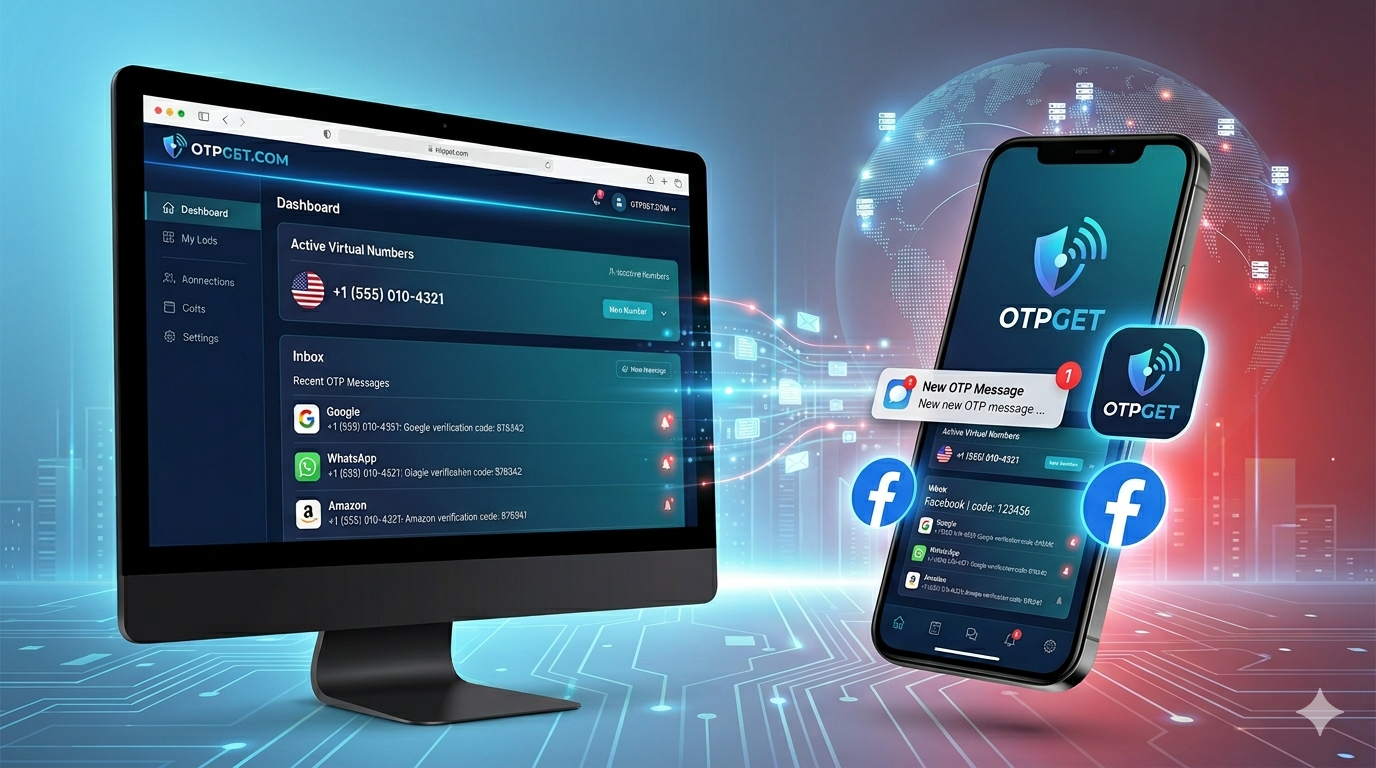
Go to the OTPGET platform and browse available numbers. Select a virtual number for LINE that is active and ready to receive messages.
What to look for:
- Numbers with recent activity
- Availability for LINE verification
- Quick OTP delivery indicators
Once selected, copy the number.
Step 3: Enter the Virtual Number in LINE
Return to the LINE app and paste the virtual number into the phone number field. Double-check for accuracy, then proceed.
LINE will send a verification code (OTP) to that number.
Step 4: Retrieve Your Free LINE OTP
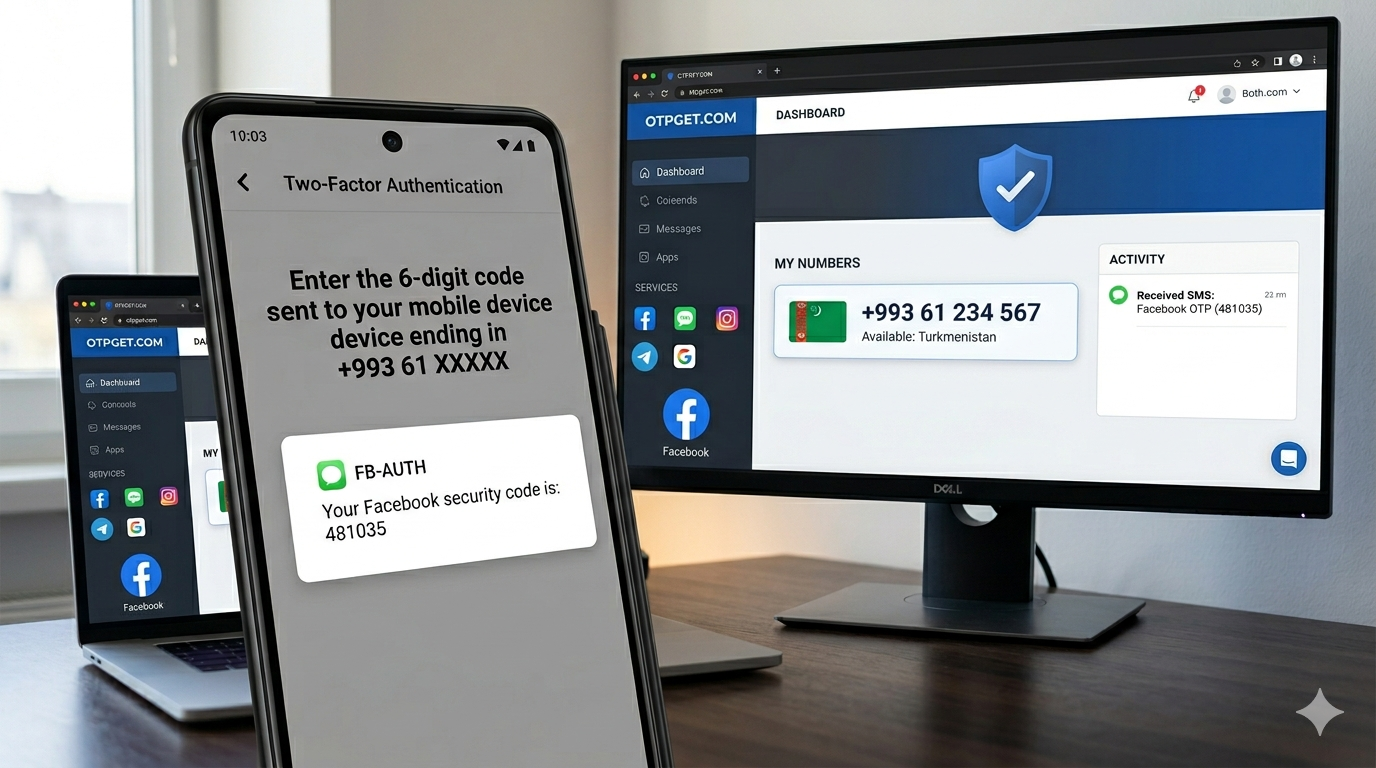
Switch back to OTPGET and wait for the free LINE OTP to appear. This usually takes just a few seconds.
Interface Tip: OTPGET typically displays incoming messages in real time. Refresh if needed, but delays are rare.
Step 5: Enter the OTP and Complete Registration
Copy the OTP from OTPGET and paste it into the LINE app. Once verified, you’ll be able to complete your profile setup.
Congratulations—you’ve successfully completed a LINE account without phone number setup using OTPGET.
Benefits of Using OTPGET for LINE
Using OTPGET for your LINE registration isn’t just convenient—it offers several clear advantages that make it the preferred method for many users.
1. Privacy Protection
Your personal phone number stays completely private. This reduces the risk of spam, tracking, or data misuse. For users who value anonymity, this is a huge advantage.
2. Instant Registration
No need to wait for SIM activation or deal with telecom providers. With OTPGET, you can complete your OTPGET LINE registration within minutes.
3. No SIM or Device Dependency
You don’t need a physical SIM card or even a secondary phone. Everything works online, making it perfect for remote users or those without access to mobile networks.
4. Cost-Effective Solution
Instead of purchasing multiple SIM cards, you can use OTPGET’s virtual numbers at a fraction of the cost. Some options even provide free LINE OTP access, depending on availability.
5. Flexibility for Multiple Accounts
Managing multiple LINE accounts becomes simple. Whether for business or personal use, OTPGET allows you to create separate accounts without restrictions.
Tips & Precautions
While OTPGET is a reliable tool, it’s important to use it wisely to ensure a safe LINE sign up experience.
Choose Trusted Numbers Only
Not all virtual numbers are equal. Always select numbers with a proven track record of successful LINE verification online.
Avoid Suspicious Platforms
Stick with reputable services like OTPGET. Avoid unknown sites offering free numbers without transparency, as they may compromise your data.
Do Not Reuse Numbers Frequently
Using the same number repeatedly can lead to verification issues. Always choose a fresh number when possible.
Secure Your Account After Setup
Once your LINE account is created:
- Set a strong password
- Enable additional security features
- Link an email if available
These steps ensure long-term account safety.
Conclusion
Creating a line sign up without phone number doesn’t have to be complicated or risky. With OTPGET, the process becomes simple, fast, and secure. You no longer need to rely on personal numbers, physical SIM cards, or unreliable workarounds.
OTPGET provides everything you need—instant virtual numbers, quick OTP delivery, and a user-friendly experience that works for anyone. Whether your goal is privacy, flexibility, or convenience, it’s the smartest way to get started with LINE.
If you’re ready to skip the hassle and take control of your account setup, try OTPGET today and experience a smoother, safer way to register.