OTPGet Com Guide: Complete OTP Verification & Usage Tutorial
OTPGet Com — Complete Tutorial for Beginners
Introduction
In today’s digital world, almost every online service requires phone verification before giving access. From social media accounts to banking apps, OTP (One-Time Password) verification has become a standard security layer. While this improves safety, it also creates challenges for users who do not want to share personal phone numbers everywhere or those who face delays in receiving SMS codes.
This is where OTPGet Com comes in as a modern solution. It provides an easy way to receive OTP online using virtual numbers, helping users complete verification quickly without relying on a physical SIM card. Whether you are signing up for an app, testing services, or protecting your privacy, OTPGet Com offers a simple and efficient way to handle OTP verification online.
In this guide, you will learn everything about how OTPGet Com works, its features, benefits, and how you can use it effectively as a beginner.
What is OTPGet Com?
OTPGet Com is an online OTP verification service designed to help users receive SMS verification codes through virtual numbers. Instead of using your personal SIM card, you can use temporary numbers provided by the platform to receive OTP messages instantly.
The main purpose of OTPGet Com is to simplify the verification process while maintaining privacy and convenience. Many users face issues such as:
- Not wanting to share personal numbers
- Delayed or blocked SMS messages
- Need for multiple account verifications
- Testing apps or services safely
OTPGet Com solves these problems by offering temporary virtual numbers that work for OTP reception online. This makes it a flexible solution for developers, testers, and everyday users who need quick verification access.
Key Features of OTPGet Com
OTPGet Com provides several useful features that make it a reliable OTP receiving platform:
Online OTP Receiving
Users can receive OTP codes directly on the platform without using a physical SIM card. This ensures quick access to verification messages.
Temporary Virtual Numbers
The service provides temporary phone numbers that can be used for one-time or short-term verification purposes.
Fast SMS Delivery
OTP messages are delivered quickly, allowing users to complete verification without delays or timeouts.
Easy Usability
The platform is designed for beginners. You don’t need technical knowledge to use OTPGet Com effectively.
Privacy Protection
By using virtual numbers, users can keep their personal phone numbers private and reduce unwanted spam or exposure.
How OTPGet Com Works (Step-by-Step Guide)
Using OTPGet Com is simple and beginner-friendly. Here is how the process works:
Step 1: Visit the Platform
Open the OTPGet Com service on your browser and access the main dashboard.
Step 2: Select a Virtual Number
Choose a temporary phone number from the available list. These numbers are ready for OTP reception.
Step 3: Use the Number for Verification
Enter the selected number on the app or website where you need OTP verification.
Step 4: Receive OTP Instantly
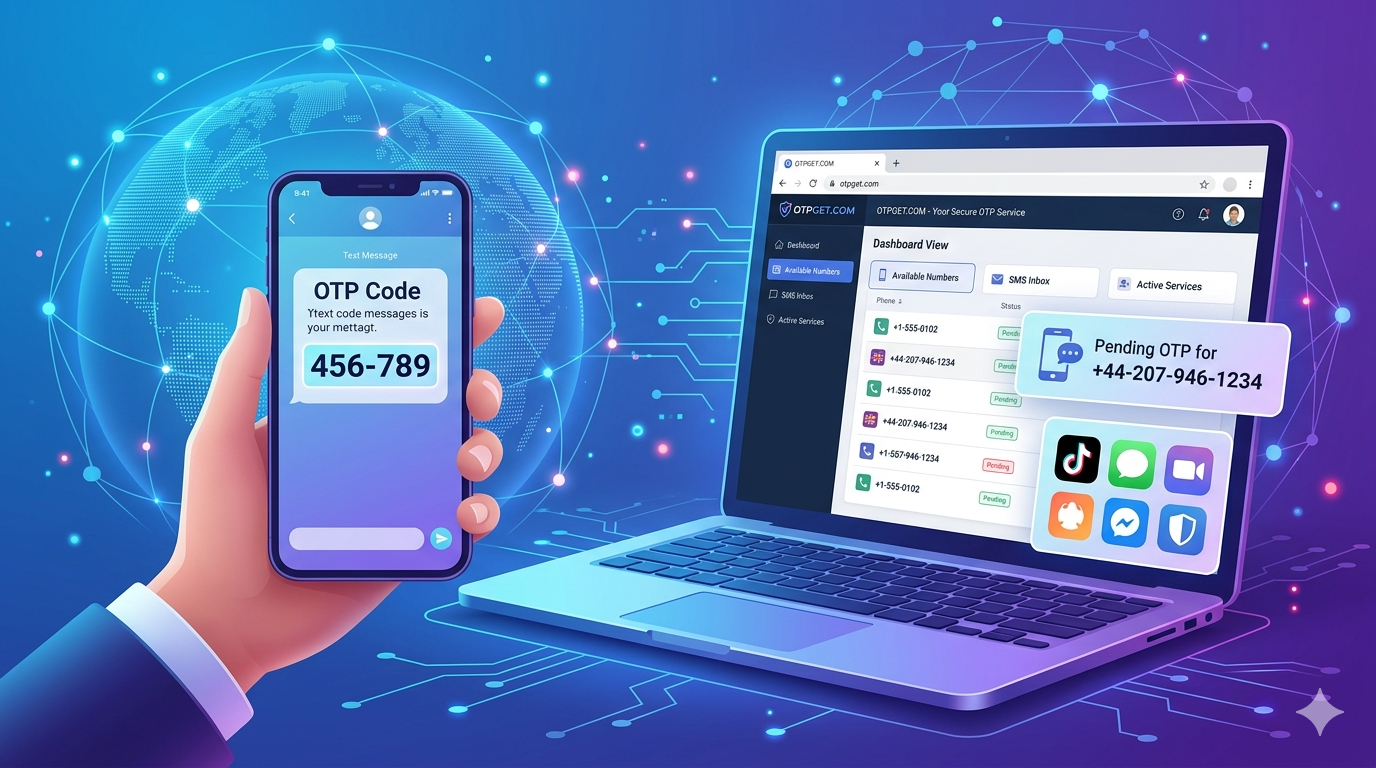
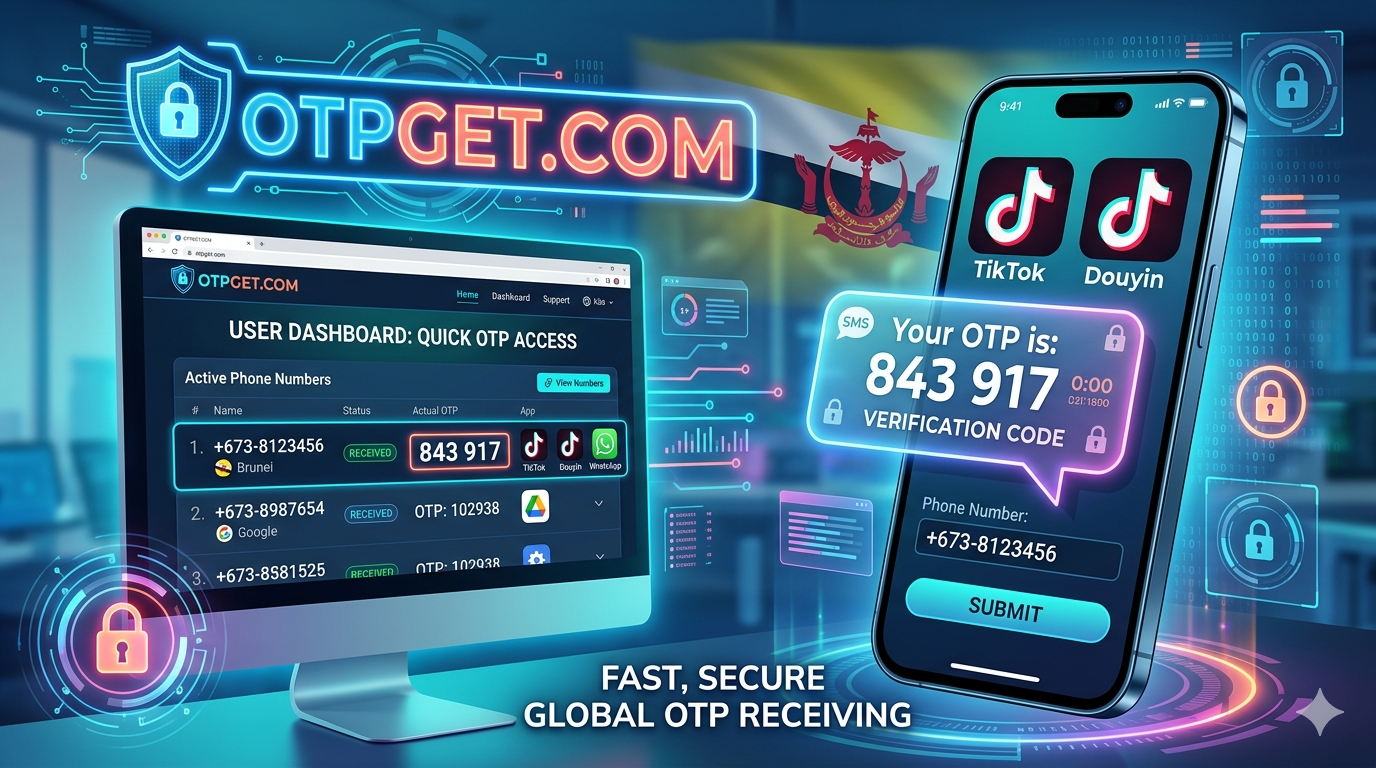
Once the OTP is sent, it appears on the OTPGet Com dashboard in real time.
Step 5: Complete Verification
Use the received OTP code to complete your signup or login process.
This simple flow allows users to complete verification steps without complications or delays.
Benefits of Using OTPGet Com
OTPGet Com offers several advantages that make it a preferred choice for online OTP verification:
Privacy Protection
Users do not need to expose their personal phone numbers, reducing the risk of spam and data misuse.
Easy Verification
OTP verification becomes faster and more convenient with instant SMS reception.
No Physical SIM Needed
Everything works online, so there is no need for a SIM card or mobile device dependency.
Time-Saving
Instead of waiting for delayed SMS messages, users can receive OTP instantly.
Global Access
Users from different regions can access virtual numbers and complete verification easily.
OTPGet Login & Usage Guide
Getting started with OTPGet Com is simple even for first-time users.
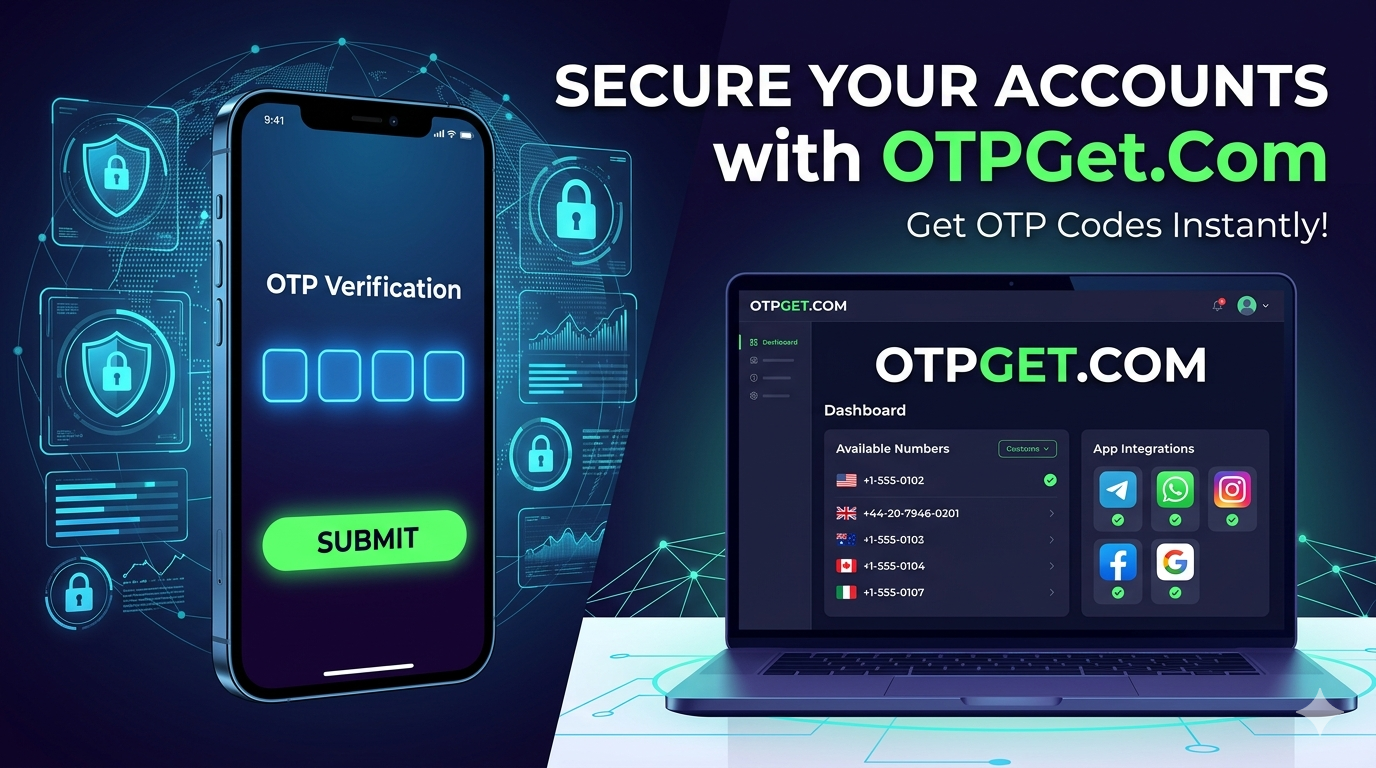
To use the platform, you typically begin by accessing the OTPGet login or dashboard interface. Once inside, you are presented with available virtual numbers that can be used for OTP verification.
After selecting a number, you can immediately use it for signing up on different platforms. When the OTP is sent, it appears on your OTPGet dashboard in real time. You simply copy the code and use it to complete your verification process.
The interface is designed to be straightforward, so users do not face confusion while navigating between features. Everything is organized for quick OTP access and smooth usability.
Why OTPGet Com is Better Than Alternatives
There are several OTP services available online, but OTPGet Com stands out due to its simplicity and performance.
Many alternatives suffer from slow delivery, limited number availability, or complicated interfaces. OTPGet Com focuses on solving these issues by offering:
- Faster OTP delivery compared to many similar tools
- A cleaner and more beginner-friendly interface
- Reliable virtual number availability
- Smooth user experience without unnecessary steps
This combination of speed, reliability, and ease of use makes OTPGet Com a strong choice for users who want a hassle-free OTP verification solution.
Common Use Cases
OTPGet Com can be used in many real-world scenarios, such as:
Account Verification
Users can quickly verify accounts on social media platforms or apps without using personal numbers.
App Signups
New applications often require phone verification, which can be done easily using virtual numbers.
Social Media Verification
Creating multiple social accounts becomes easier with temporary OTP numbers.
Testing Purposes
Developers and testers can use OTPGet Com to test OTP flows in applications.
These use cases make the platform useful for both personal and professional needs.
Safety & Best Practices
While OTPGet Com is a convenient tool, it should always be used responsibly.
Users should keep the following best practices in mind:
- Use OTP services only for legal and ethical purposes
- Avoid using temporary numbers for sensitive accounts like banking
- Respect platform rules and terms of service when verifying accounts
- Protect your digital identity and avoid misuse of verification systems
Responsible usage ensures a safe and positive experience for everyone.
Conclusion
OTP verification has become a necessary part of almost every online platform, but it doesn’t always have to be complicated. OTPGet Com provides a simple, fast, and privacy-focused solution for receiving OTP online using virtual numbers.
With its easy interface, instant SMS delivery, and flexible usage options, it is a helpful tool for users who want a smoother verification experience without sharing personal phone numbers.
If you are looking for a reliable way to handle OTP verification online, OTPGet Com offers a practical and efficient solution worth exploring.