Foodpanda Login & Phone Number Verification Fix Guide Help
How to Fix Foodpanda Phone Number Verification & Login Issues
🟣 Introduction: When Login Becomes a Frustration
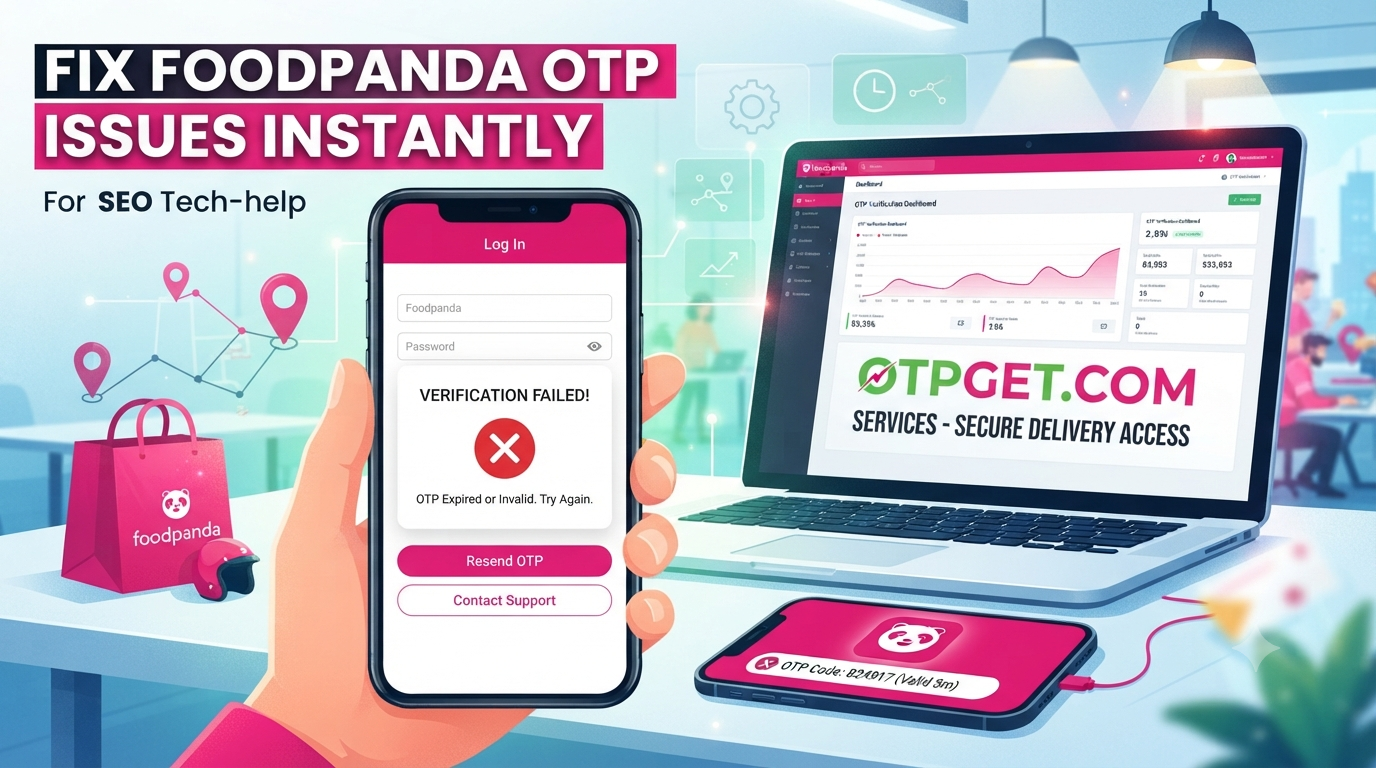
Trying to order food online should be quick and easy—but nothing is more frustrating than a Foodpanda login issue when you urgently need to place an order. Many users face problems like not receiving OTP codes, being unable to verify their phone number, or getting stuck on the login screen.
Whether it’s a phone number verification problem, a delayed OTP, or a Food delivery app login error, these issues can stop you from accessing your account completely.
The good news is that most of these problems are easy to fix with a few simple steps. In this guide, you’ll learn how to solve login and verification issues safely and restore access to your account.
🍔 About Foodpanda and Login System
Foodpanda is one of the most popular food delivery platforms, allowing users to order meals quickly through its mobile app. To keep accounts secure, Foodpanda uses phone number verification and OTP-based login systems.
While this system improves security, it can sometimes lead to issues such as delayed OTPs or failed verification attempts.
❗ Why Foodpanda Phone Verification Fails
Understanding the root cause helps you fix the issue faster. Here are the most common reasons:
📶 1. Network or Signal Issues
Poor mobile network coverage can delay or block OTP messages, causing OTP not received problems.
📱 2. Wrong Phone Number Format
Even a small mistake in entering your mobile number can lead to failed verification attempts.
⚙️ 3. App Glitches or Bugs
Sometimes the Foodpanda app may not function properly due to temporary bugs or outdated versions.
📡 4. Carrier Delays
Mobile service providers may delay SMS delivery, especially during peak traffic hours.
🚫 5. Spam Filtering
Your phone may mistakenly block OTP messages thinking they are spam.
These issues often result in a mobile number not working on Foodpanda or verification failure.
🛠️ Step-by-Step Fixes for Foodpanda Login Issues
If you are facing a Food delivery app login error, follow these proven solutions:
🔄 1. Restart Your Phone
A simple restart refreshes network connections and clears temporary glitches.
📶 2. Check SIM and Network Signal
Ensure your SIM card is active and you have stable internet or mobile data.
🧹 3. Clear App Cache
Go to app settings and clear cache to remove corrupted temporary files causing login issues.
📲 4. Update or Reinstall the App
An outdated version may cause errors. Reinstalling ensures you have the latest stable version.
🔁 5. Request OTP Again
If you didn’t receive the code, wait a few minutes and request a new OTP to fix verification code issue.
🔐 6. Try Alternative Login Methods
If available, try logging in using email or social login options linked to your account.
These steps solve most Foodpanda login issues quickly and safely.
🔐 How to Recover Your Foodpanda Account Safely
If you cannot log in even after multiple attempts, you may need Foodpanda account recovery options.
📧 Use Registered Email or Phone
Always use the same number or email linked to your account.
🔄 Reset Login via App
The app may offer a reset option where you can re-verify your identity.
🆘 Contact Official Support
If nothing works, reach out to official support for help with verification or login problems.
They can manually assist you in recovering access to your account securely.
📞 When to Contact Customer Support
Sometimes DIY fixes are not enough. You should contact customer support help Foodpanda when:
- You are not receiving OTP after multiple attempts
- Your account is locked due to repeated login failures
- You changed your phone number and cannot access your account
- The app shows persistent verification errors
Support teams can help verify your identity and restore access safely.
🔒 Preventing Future Login and Verification Issues
To avoid future phone number verification problems, follow these tips:
📱 Keep Your Number Active
Make sure your SIM card is always active and able to receive SMS.
🔄 Update the App Regularly
New updates fix bugs and improve login performance.
⚠️ Avoid Repeated Failed Attempts
Too many failed logins may temporarily lock your account.
🌐 Maintain Stable Internet Connection
A strong network reduces chances of OTP delays or login errors.
📦 Keep Backup Login Options
If available, add email or secondary login methods for recovery.
🍕 Conclusion: Quick Fixes for Smooth Foodpanda Login
Login issues can be frustrating, especially when you're hungry and ready to order. However, most Foodpanda login issues, OTP delays, and verification problems can be solved with simple troubleshooting steps like restarting your phone, checking network settings, or reinstalling the app.
If problems continue, always use official Foodpanda account recovery options or contact support directly instead of relying on unsafe third-party tools.
With the right steps, you can quickly restore access and enjoy a smooth food ordering experience again.